A larger device farm will not rescue a mobile release pipeline that runs the same slow suite for every change and cannot reproduce its failures. Fix test selection and test conditions first. Then add devices where evidence shows you need more capacity or physical-device coverage.
Separate test scope from device coverage
Consider a pull request that changes one React Native screen. It queues every end-to-end test on both platforms, waits behind other jobs, and eventually fails on an Android device. A retry passes. Adding another device might shorten the queue, but it will not tell the engineer whether the changed screen broke anything—or why the first run failed.
There are three separate decisions: which behavior needs testing for this change, what conditions the test must run under, and which device can represent the risk. Treating the device matrix as the answer to all three makes every pull request expensive while leaving failures ambiguous.
Android’s testing strategy illustrates a tiered approach: affected unit and component tests frequently, broader application tests after merge, and a wider device set before release. That is an example schedule, not a prescribed number of devices. Xcode Cloud likewise describes using one or two device types for quick checks and testing more configurations less frequently. The useful principle is that feedback frequency and coverage breadth need not be identical.
A practical schedule is fast checks plus critical journeys on pull requests, broader suites after merge or nightly, and release-like builds on a representative physical-device matrix before shipping. Choose that matrix from supported users, integrations and incident history. Do not pick a generic device count and assume it represents your risk.
Keep critical journeys outside the selector
Start with an inventory, not a tool. For each test, record its journey, platform, build type, runtime, device dependency, flake history and release risk. Then name a small smoke set that runs on every relevant iOS and Android change. It should cover the actions that make the product usable and the failure states that would block those actions—not whichever tests happen to be quickest to maintain.
For example, a team might protect sign-in, a primary transaction and recovery from a failed request. The actual set depends on the product. A test of a purchase that only checks the first screen is not critical-journey coverage just because its filename says checkout. State where the journey must reach, what observable result proves success, and which backend or OS behavior the check really exercises.
Keep narrow logic and component tests early too. They are better places to cover many input combinations than a full UI run. The always-run UI set is a guardrail against errors in test selection, not a replacement for deeper checks. Before release, rerun important journeys against optimized, release-like builds. As the separate Makers’ Den piece on mobile startup as a release metric illustrates, representative release behavior needs deliberate verification; a convenient debug run is not the whole answer.
Write down exceptions to virtual execution while defining the journeys. If a flow depends on Bluetooth, NFC, integrity checks, vendor services, permissions or performance, a simulator or container may not represent it. Anbox Cloud’s compatibility guidance notes that Google Mobile Services are not bundled in its containerized instances and that integrity checks and hardware-dependent apps can have limitations. Google explicitly recommends testing on a real Android device before release. Virtual capacity is useful; it is not proof of physical-device fidelity.
Select affected tests, but make uncertainty run broader
Once the smoke set is protected, select additional tests based on the change. In a React Native repository, a source change can affect imported modules and the features that depend on them. The selector then needs a maintained mapping from those features or source files to E2E tests. Without that last link, a dependency graph can describe code relationships but cannot know which user journey a test covers.
Sniffler documents this approach using a JavaScript/TypeScript import-and-export graph and a maintained E2E map. Its sniffler impact --base origin/main --head HEAD command lets a team inspect proposed selections; sniffler run passes selected files to a runner. Treat the impact output as reviewable evidence in a pull request, not as an unquestionable merge verdict.
Run impact selection separately for iOS and Android. React Native can resolve platform-specific source differently; Sniffler documents --platform android for Metro-style resolution. In a pilot, confirm that a change to a platform-specific file includes the expected tests for that platform and does not silently disappear from the other platform’s risk review. Shared implementation does not remove platform-specific verification or release work; the same distinction matters when choosing React Native over web delivery.
Set conservative escape hatches before letting selection shorten CI. Route native changes, lockfiles, shared configuration, authentication, backend-contract changes and unmapped behavior to broader runs. Sniffler provides tests.runAllWhenChanged for files such as lockfiles and graph.contains for relationships static imports cannot express. Maintain the map when journeys or routing change, and require a reviewer to ask whether a changed file has a plausible path to an unselected journey.
This is not a universal impact analyzer. Sniffler’s announcement says it does not analyze Swift, Kotlin, Java, Objective-C or C++ dependency chains, and its E2E map currently needs manual maintenance. For a pure Swift or Kotlin app, keep the tiered schedule but use platform-specific test organization or a maintained risk map instead. For any stack, an unselected test has not been proved safe. Runtime routing, configuration and external contracts can defeat a static graph.
Make failures reproducible without testing a fiction
Selection saves little if a failing job cannot be investigated. Capture the exact build, OS version and device profile, locale, timezone, network condition, test account and data seed for each failure. Preserve logs and screenshots or video. Record whether the failure occurred on the first run and whether a retry passed; a green retry should not erase a signal about instability.
Replace fixed sleeps with observable readiness conditions. Android’s stability guidance identifies synchronization and uncontrolled asynchronous work as causes of flaky large tests and recommends waiting for observable conditions. Retries may keep a pipeline moving, but the flaky test still needs an owner and a fix.
App-side controls can make difficult states reachable. Callstack’s Appduct example registers controls for a test clock and a simulated invitation event, then exposes a completion event so the UI check can wait for the resulting sheet. That is more precise than hoping a timed backend event arrives during a test. It also changes what is being tested: a simulated invitation does not establish that the real invitation service works. Pair controlled-state checks with separate checks of real services and OS behavior.
Treat those controls as privileged. Appduct’s security guidance says a registered tool can do whatever its handler allows and recommends pinned trust for builds distributed beyond a developer’s machine. Restrict operations and distribution accordingly. Its build-variant documentation says React Native debug builds include the module by default and release builds exclude it by default; use appduct doctor <artifact> --assert-absent to check the actual .ipa, .apk or .aab intended to ship. A build convention is not a substitute for checking the signed artifact.
Locale deserves similar precision. Maestro documents --device-locale for device startup or cloud runs, not as an option inside a flow or maestro test; tags can limit locale-specific flows. An independent test of a per-app locale approach on Maestro 2.0.10 and 2.11.0 reported runs that appeared successful while screenshots had the wrong language or location. That is not a measured general failure rate. It is a reason to verify the captured artifact as well as the command’s exit status. For Xcode UI automation, Apple demonstrates test plans that vary language and device, retain failure videos, and use stable accessibility identifiers rather than localized button text.
Prove the selector before making it a gate
Run a shadow period: execute the selected set on each change while still running the full suite on a broader schedule. For every full-suite failure, ask whether the selector included that test, whether the failure reproduces, and whether the map or a run-all rule needs repair. Separate a genuine missed regression from a flaky failure, but review both. A selector that appears effective only because failures are dismissed on retry has not earned release-gate authority.
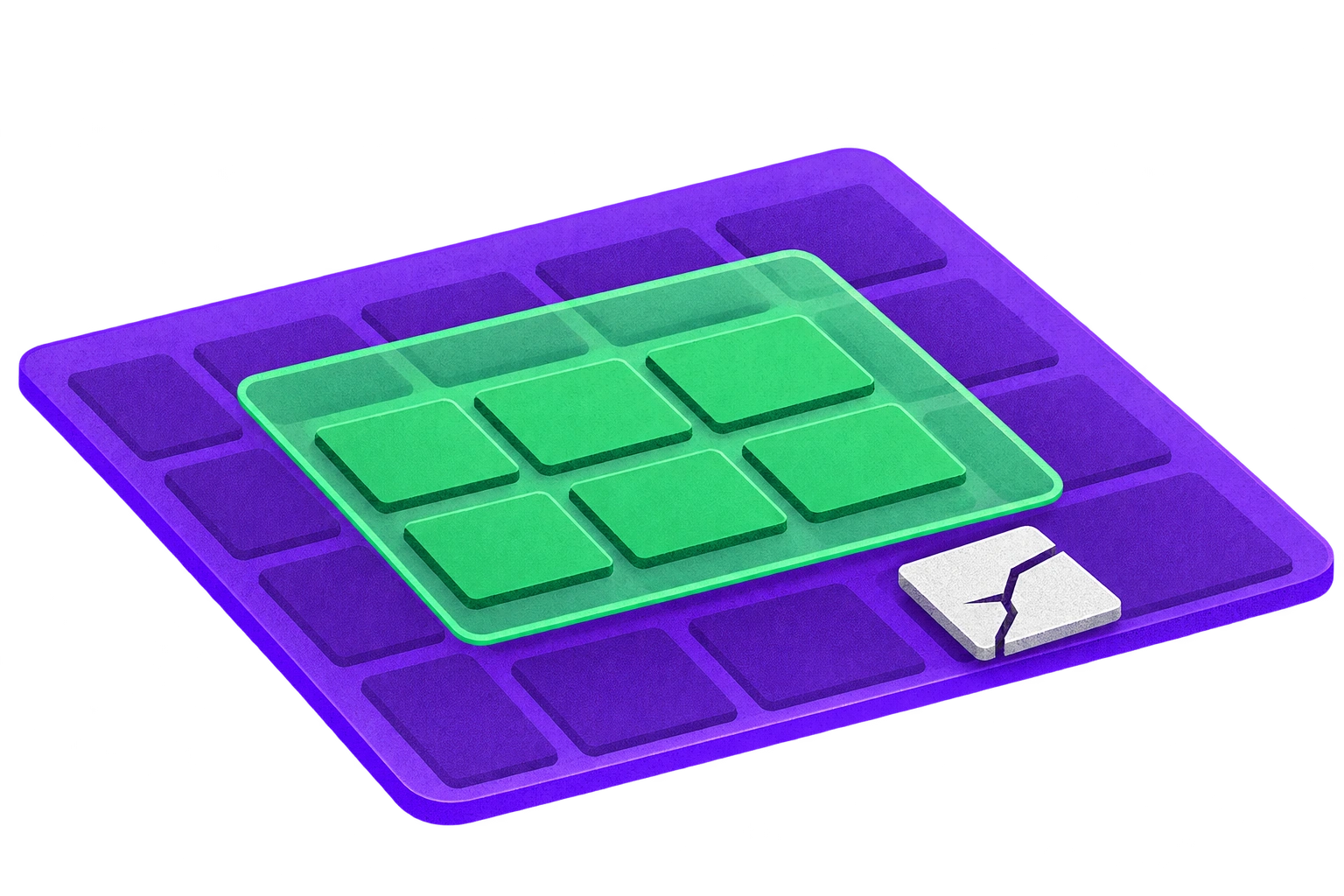
Track pull-request feedback time, device queue time, selected-versus-full test count, flaky reruns and regressions first found outside the selected suite. Do not borrow a claimed percentage improvement from another team. If feedback remains slow because jobs wait for devices, extra capacity may be justified. If failures cluster on particular hardware, OS configurations or integrations, add targeted physical coverage. If most time is spent running irrelevant tests or rebuilding inconsistent state, fix that first.
A release-test decision checklist
Define the floor: name the always-run iOS and Android journeys, their expected outcomes and their owners.
Pilot selection: inspect proposed tests in pull requests; maintain E2E mappings and run-all triggers for native, shared and uncertain changes.
Control the run: record build, device, OS, locale, timezone, account, data and network conditions; wait for observable results and keep failure evidence.
Check the boundary: verify internal test controls are absent from the public artifact, and retain release-like checks that exercise real integrations.
Shadow before gating: compare selected and full-suite failures, repair missed mappings, and investigate flakes instead of treating retries as passes.
Expand deliberately: add physical devices when supported-user risk, incidents or queue measurements justify them—not because the full suite is slow.
If the team needs to establish ownership across critical journeys, device coverage and release builds, that belongs in the mobile app development plan, not as an afterthought when the test farm reaches capacity.