Google Play’s April 2027 adaptive-app deadline should change how teams test Android releases, not just how they size screens. A stretched phone layout may look acceptable in a screenshot and still lose a customer’s form, selection or place in a task when a foldable changes shape. Establish the publishing baseline, then spend engineering time on the journeys that fail when the app window changes.
The April deadline has two checks, not one
Google announced in November 2026 that, starting in April 2027, standard apps on Google Play must meet at least Tier 3 adaptive quality for foldables. Apps that fail will not be able to publish or update and may have reduced store visibility. Existing apps left unupdated will remain downloadable. That distinction matters for a release plan: the deadline creates a submission risk, not an immediate removal of every older build.
Tier 3 is more than a requirement to fill the screen. The app must use its available window without letterboxing or compatibility mode, function in multi-window mode, and retain or restore scroll position, entered text and media playback through rotation, folding and resizing. Its checklist also covers basic external-keyboard, mouse, trackpad and stylus input. A screen that fills a wide window but drops an unfinished form does not meet the point of the baseline.
There is a separate store-listing task. Publishing a new app or updating its listing from April 2027 calls for three foldable screenshots in addition to two standard phone screenshots. Google accepts screenshots from physical devices or the Android Emulator. Assign the assets to a release owner, but do not treat their acceptance as proof that the app survives a fold or resize. A screenshot shows one state; the quality tests cover transitions between states.
Keep another date out of the April work item. In August 2027, new and updated apps must target Android 17, API level 37. Google says that target removes the developer opt-out from large-screen orientation and resizability behavior. It belongs on the same Android roadmap, but it is a different milestone. Combining the two into one vague ‘foldable compliance’ ticket makes it too easy to miss either the April submission requirements or the later target change.
Define success as finishing a task across changing windows
Google describes Tier 3 as a baseline where people can complete critical tasks even if the layout is less than optimal. Take that literally. Choose three to five business-critical journeys and write down what completion means before anyone reviews a wide-screen mockup. For one app, that might be signing in, finding an item and submitting a form. The outcome is not ‘the screen renders’; it is that the person reaches the intended result without having to restart or reconstruct their work.
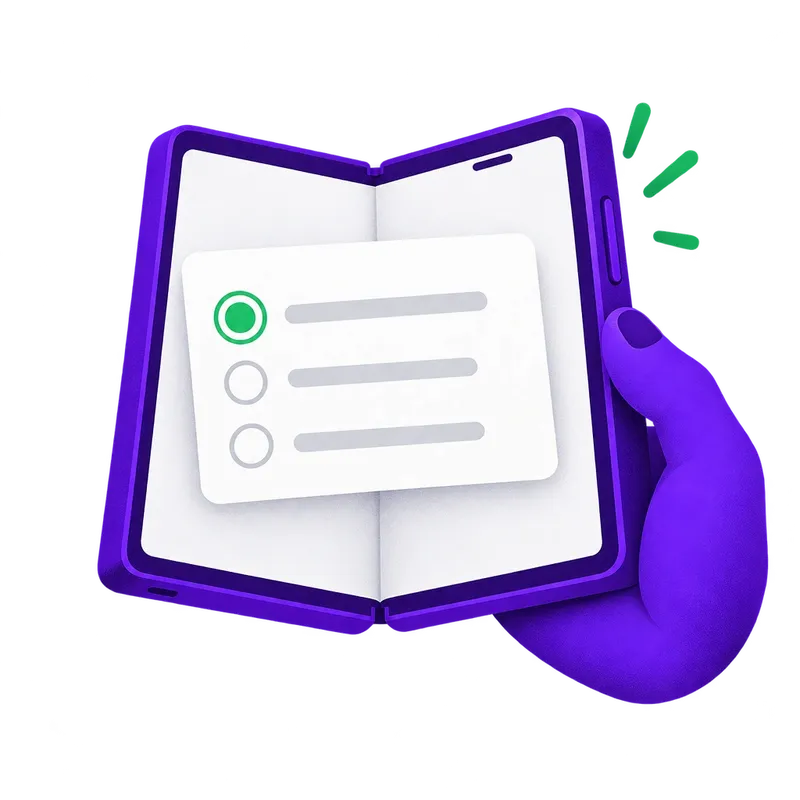
Start each test while the task is unfinished. Enter part of a form, select an item in a list, or scroll to a relevant position. Then rotate, fold or unfold, resize into multi-window and return to the app. Record whether the text survives, the selected content remains selected, the scroll position is useful and the next action is reachable. If media playback is central to the journey, include its continuity. Google’s Tier 3 tests explicitly combine resizing, rotation and folding with state checks; a static wide-screen review cannot substitute for them.
Separate a blocked task from an awkward one. A submit action pushed out of reach or entered text lost on rotation is a release-level failure. A single-column layout with generous unused space may be unimpressive but can still let the user finish. That does not mean product quality stops at Tier 3. It means the roadmap should not put visual polish ahead of a reproducible loss of work.
Use a running, release-like build for these checks rather than relying only on a layout preview. Navigation, state restoration and the ability to resume an interrupted task need to be observed together. Keep each failure tied to the journey, window change and app version that produced it. This makes the next engineering decision much easier: a developer can reproduce a lost selection, while ‘foldable looks wrong’ is too broad to fix reliably. The same principle underpins a useful mobile release gate: measure whether a usable journey survives on the build you intend to ship, not just whether a build setting is correct.
Test available space, not a device label
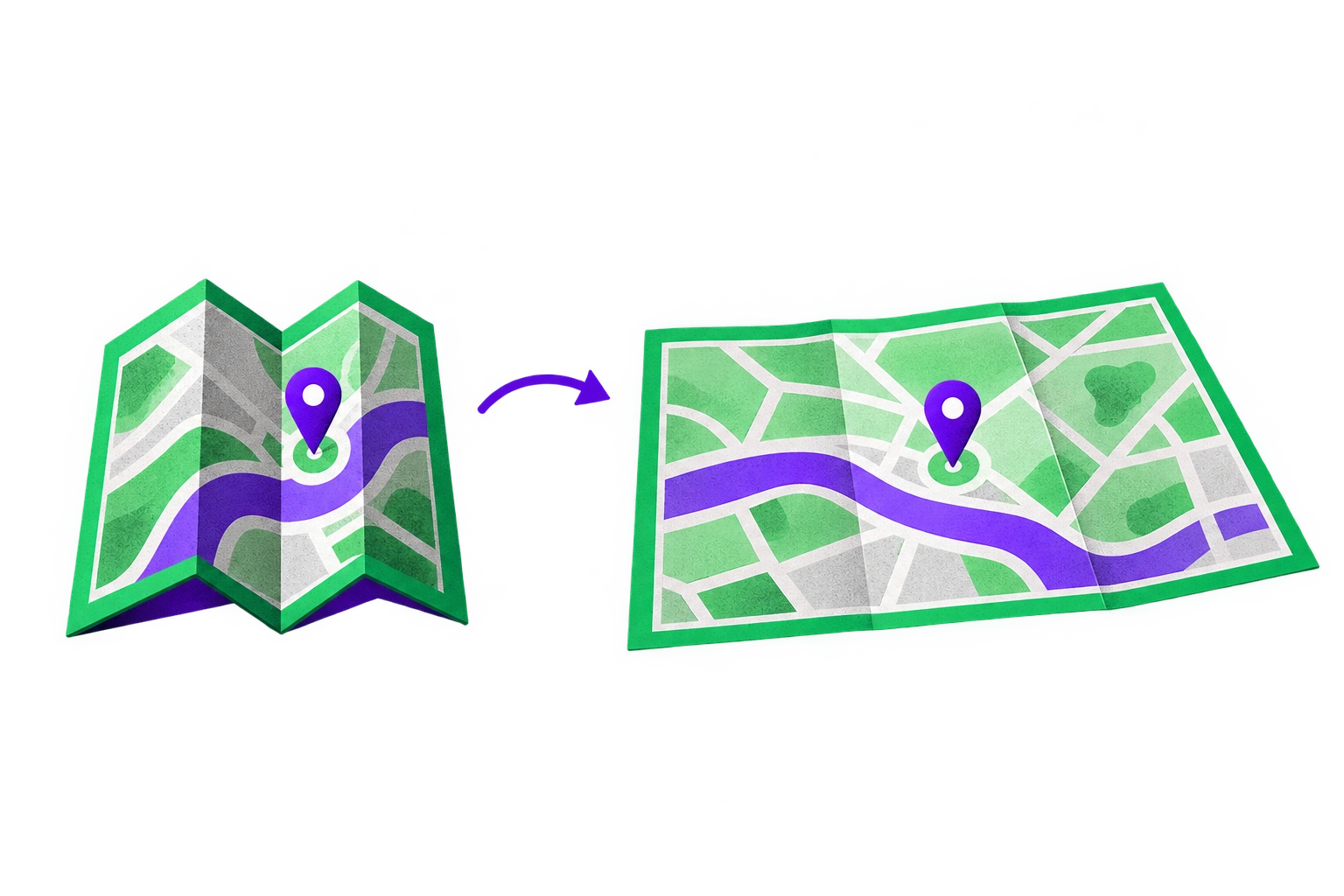
A foldable is not one screen size. Android window size classes describe space available to the app, not the physical device: compact width is below 600dp, medium is 600dp to below 840dp, and expanded is 840dp to below 1200dp. The class can change while the app runs. An app may therefore move between layout conditions without changing devices, especially when its window is resized.
Plan coverage around compact, medium and expanded app windows, and include 1:1 and 4:3 foldable emulator profiles. On each, inspect the initial view and then repeat the unfinished-task transitions. Check whether navigation still exposes the next step, forms remain usable, and state survives the change. Add keyboard and pointer checks where those inputs matter to the product. Basic external-input behavior is part of Tier 3; assuming touch is the only relevant path leaves an avoidable gap.
Do not respond by testing every possible device against every screen. First choose the journeys with the largest cost of failure, then choose window and input conditions that challenge them. A short authentication flow needs different attention from an information-heavy list-and-detail flow. For a more disciplined way to choose representative conditions, use a critical-journey mobile test selection approach rather than an indiscriminate device matrix.
For Kotlin or Compose work, base layout decisions on the available window instead of a hard-coded ‘phone’ or ‘foldable’ label. For React Native, inspect components that cache an initial size: its Dimensions guidance cautions against treating that measurement as permanent on foldables, while useWindowDimensions updates with window-size or font-scale changes. That hook can help a component respond to space. It does not, by itself, preserve entered text or repair navigation after a resize. Test those behaviors in the Android build.
Fix blocked journeys before polishing wide layouts
Triage findings in three passes: blocked completion first, lost state or context second, cosmetic stretching third. If a user cannot reach an action after unfolding, fix reachability. If they can reach it but their input or selection vanished, fix continuity. Only then decide whether the wide layout needs more ambitious restructuring. This order prevents a redesign from consuming the time needed to meet the actual baseline.
Navigation and forms often expose the distinction. An action might remain technically present but become hard to find when the window changes. A form might render at every width yet discard an unfinished answer during rotation. Review these as journey failures, not isolated layout defects. The acceptance test should describe the observable result: return to the same selected content, retain entered text, and complete the action after the transition.
There are cases where a more adaptive layout is the right product decision. Android documents NavigableListDetailPaneScaffold for list-and-detail journeys: larger windows can show both panes, while smaller windows show one at a time. That can reduce navigation effort when people repeatedly compare items with details. It is not a universal answer for checkout, authentication or a short form. Even with a scaffold, test whether the selected item and navigation context behave as your product requires when the window changes.
Do not label every desirable improvement an April requirement. Google distinguishes Tier 3 from Tier 2: Tier 2 adds layout optimization and enhanced input support, including responsive multi-pane layouts and keyboard navigation. Invest in those improvements when testing shows they make important work easier, or when they suit the product’s longer-term large-screen experience. A single-pane interface can still meet the Tier 3 baseline if critical tasks remain functional. Conversely, a polished two-pane view is not ready if it loses the task in progress.
Put adaptive readiness into the release plan
Use one small set of deliverables for each Android app, with named owners and evidence attached to the version that will be submitted:
Submission owner: Record the next planned Play submission, the April 2027 Tier 3 requirement and the foldable screenshot task. Track the August 2027 API level 37 target separately.
Product owner: Select three to five critical journeys and define the observable completion outcome for each. Decide which failures prevent release before testing begins.
Test owner: Run unfinished journeys across compact, medium and expanded windows, including 1:1 and 4:3 foldable emulator profiles. Exercise rotation, folding, resizing and multi-window return; capture lost input, selection, scroll position and unreachable actions.
Engineering owner: Resolve blocked completion and lost state before spending the remaining effort on wide-screen polish. Verify fixes on a running Android build, including relevant keyboard and pointer paths.
Release owner: Review the three foldable and two phone screenshots as listing assets. Keep that review distinct from the journey-test evidence; neither replaces the other.
If the app team needs combined product prioritization, Android implementation and device-testing support, mobile app development services can cover that work without turning a store deadline into an automatic redesign. The practical release question remains simple: can someone begin an important task in one window, change the window and finish without starting over?