
If the same eligibility rule changes in your iOS and Android apps, you have a good candidate for shared code—not a reason to rebuild either app. Kotlin Multiplatform (KMP) is worth testing when it removes work both teams repeatedly do. Start with one bounded workflow, keep the existing interfaces and release paths, and judge the pilot by delivery effort rather than the percentage of code moved.
Share the rule that changes twice
Imagine a pricing workflow in which both apps decide whether a customer qualifies for an offer and explain why. A policy change currently means two implementations, two reviews and two chances to miss an edge case. A shared function that takes the relevant inputs and returns an eligibility decision could remove that duplication without taking ownership of the checkout screen.
Before extracting it, inspect recent changes. Did the teams actually update the same rule at roughly the same time? Did parity defects follow? Or did the apps make different decisions because their product requirements differ? The answer determines whether there is a shared rule to own. Similar-looking code is not enough.
Also identify where the authoritative decision belongs. If a backend already enforces the rule and the apps only display its response, moving a second copy into KMP may create another implementation to keep in sync. The useful shared portion might instead be input validation, response interpretation or offline behavior—if those really are duplicated.
Define success in terms a CTO can defend: fewer hours spent implementing, reviewing, testing and releasing comparable changes, without either team losing the ability to ship. A high shared-code percentage does not establish any of that.
Put a narrow boundary around shared logic
Keep the first module responsible for decisions, not screens. Give it explicit inputs and outputs: for example, a request containing the facts needed for eligibility and a result containing an outcome and reason. Write tests for the edge cases both apps must handle. Let SwiftUI and Android UI decide how to collect inputs, display errors and navigate. Permissions, device services and other platform integrations stay with their respective apps unless there is a separate reason to move them.
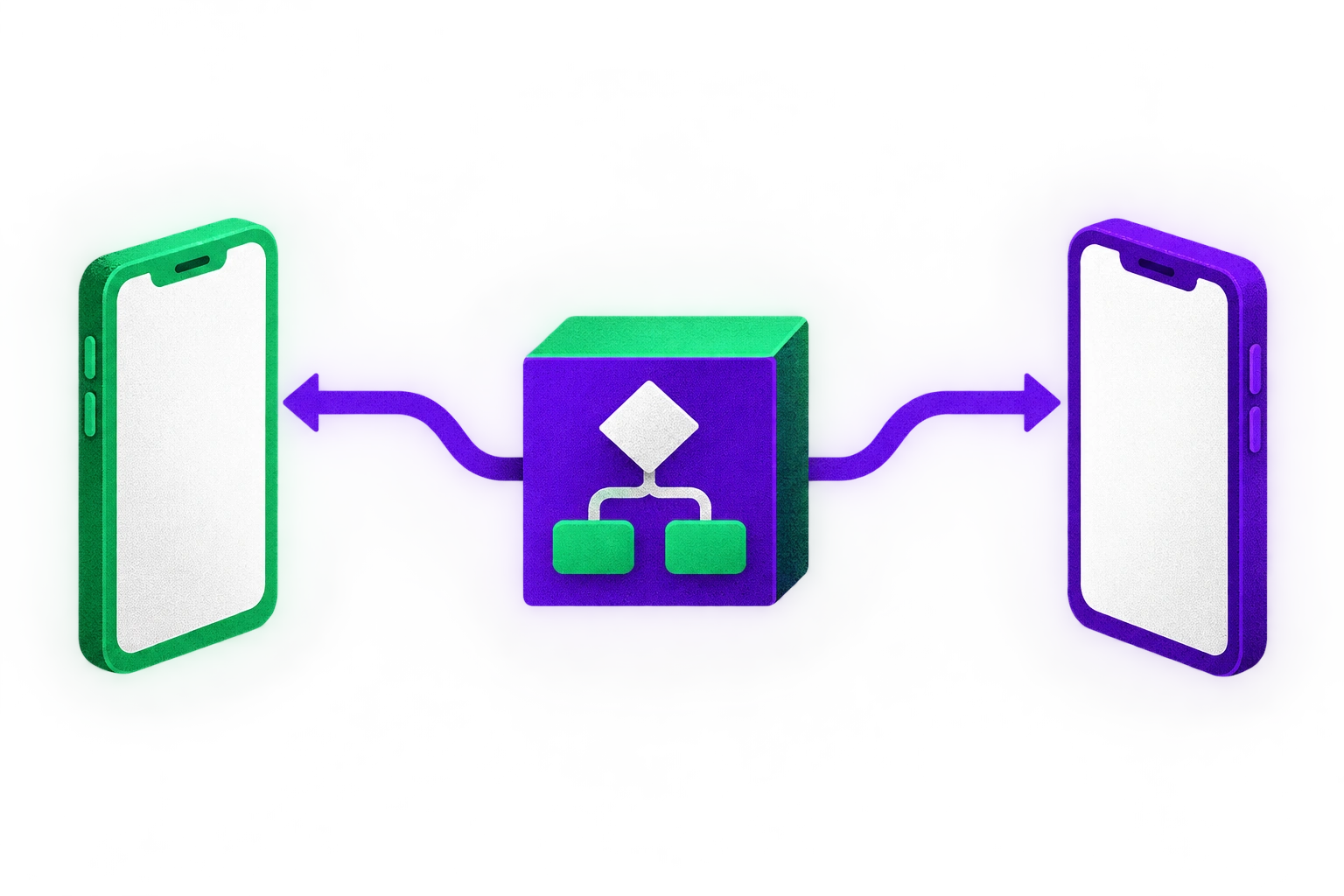
This is a supported starting point, not a workaround. JetBrains’ existing-app tutorial moves business logic into a shared module, consumes it on Android and then uses it from an iOS app with a SwiftUI interface. Its project-structure guidance recommends separating business logic from shared UI when an app uses native interfaces, so consuming the logic does not require a Compose Multiplatform dependency.
That distinction matters when a proposal to share one rule quietly becomes a proposal to replace two interfaces. UI sharing may be sensible for another product, but it changes the pilot’s cost, staffing and failure modes. Flux Run’s account illustrates a mixed boundary: the developer reports sharing running-state logic, pace and split calculations, reminders, settings and phone UI, while keeping Apple Watch, widgets, Live Activity, Android recording services and Health Connect integration native. It is an example of selective ownership, not a template every app should copy.
Native UI can still share other decisions. A native-UI design-token project generates Android Compose and iOS SwiftUI shape tokens from one file, without sharing components. Its author notes a limit: lint rules cannot prove that both apps choose the same token for a given component. Sharing a definition does not eliminate platform-level verification.
For the broader choice between native interfaces and a cross-platform UI, treat each responsibility separately rather than asking whether an entire app should be shared. That is also the useful lens in our cross-platform mobile and web discussion: decide what benefits from a common implementation and what needs platform ownership.
Migrate one workflow while both apps remain releasable
Pick a workflow with clear inputs, outputs and tests, frequent coordinated changes, and enough surface area to expose real integration costs. Eligibility or pricing validation is a better first candidate than an app-wide architecture layer. Document how the workflow behaves today on both platforms, including where the implementations intentionally differ. Preserve the existing code path until the shared version has been exercised in each app.
Map the dependency graph before moving files. Check for java.time, Android Context, file access, persistence, authentication and calls into platform SDKs. A library-support checklist is useful, but it will not reveal every platform assumption in your own code. In BikeHub’s migration follow-up, widespread java.time use was the hardest problem, while file handling needed genuinely platform-specific implementations. Put those differences behind interfaces named for the requirement, rather than pretending the platforms behave identically.
Existing persistence is not automatically a blocker or a free move. Google’s Room KMP guide shows shared database definitions with platform-specific builders; an app using Android SupportSQLite APIs may still need migration work. Include those changes in the pilot estimate if the chosen workflow touches storage. Do not make the first experiment depend on moving a database that the workflow could instead access through a small interface.
Start with the simplest module shape that can serve both apps. JetBrains documents a single shared module as a starting point, while noting that larger multi-module projects can need an umbrella iOS framework and more involved dependency management. Avoid introducing that packaging work merely to mirror the Android app’s existing modules.
Make an explicit repository and iOS-consumption choice. A monorepo makes joint changes easier to coordinate, but asks iOS engineers to work with Kotlin and Gradle. Separately published iOS artifacts can preserve team boundaries, but add versioning and release-and-consume steps. Assign owners for the shared API, Swift-facing integration, artifact updates and rollback. Keep the previous implementation available until each team can build and release the replacement independently.
Treat cross-platform builds as part of the feature
A green Android build does not prove code in commonMain works for iOS. BikeHub’s author reports starting from 24 feature and 14 core modules, with Ktor Client, Koin and SQLDelight reducing some migration work because they already supported KMP. The same migration account recommends building a second target in CI from the first converted module: Android-only builds can miss platform dependencies in supposedly common code.
For the pilot, run shared tests and compile both targets on every relevant change. Then test the complete workflow in both apps. Compilation catches one class of mistakes; it does not establish that a Swift screen handles a new result correctly or that Android still reaches the same decision through its existing navigation.
The iOS framework must also be the one you intended to ship. Flux Run’s developer reports a risk of shipping an older Kotlin XCFramework when an Xcode build does not rebuild it, alongside an iOS crash involving an interstitial presented over a Compose view. Those are failures reported in one app, not universal KMP defects. They are reasons to verify the framework revision in the signed iOS app and exercise the actual user journey. For direct integration, JetBrains documents an Xcode build phase using embedAndSignAppleFrameworkForXcode to rebuild and embed the Kotlin framework before the iOS app builds.
Budget for the boundary your Swift team will use, too. STRV’s production-project retrospective describes SwiftUI over shared KMP logic, but also Swift bridging, concurrency, debugging and rebuild overhead. Its Android app was still planned when that account was written, so the account cannot demonstrate savings from delivering changes across two shipped platforms. JetBrains also labels Swift export Alpha, with limitations and expected breaking changes; do not make the business case depend on it removing every interoperability cost.
Measure the release, not the reuse rate
BikeHub’s author reports that roughly 84% of the app’s Kotlin code ended up in commonMain and that the Android app remained releasable throughout the migration. That is a useful account of one project’s code location and migration discipline. It is not a forecast of engineering savings for an iOS and Android team. The percentage says nothing by itself about review time, Swift integration, defects or store-release delays.
Record a baseline before the pilot: time spent implementing and reviewing comparable changes on each platform, parity defects, CI duration, iOS framework-build time, and time from merge to each store release. After a representative shared change or two, compare the total effort across both teams. Include coordination and artifact updates, not just the Kotlin edit. If one team waits longer to ship because the shared framework or API is not ready, the duplication may have been replaced by a release bottleneck.
Use targeted checks for the critical workflow on both platforms, including the delivered iOS artifact. Shared tests establish that a rule behaves as specified; they do not prove the apps pass the right inputs or present the result correctly. Our mobile test selection guide is a useful companion when deciding which end-to-end journeys deserve device-level coverage.
Decide whether to expand, contain or revert
Use this decision guide after the pilot rather than setting a reuse target in advance:
Expand if both teams can make and release representative changes with less total effort, parity improves or holds steady, and the shared API has clear owners. Move the next bounded rule, not the whole app.
Contain if the rule is valuable to share but iOS integration or release work offsets the savings. Keep that module small while fixing the specific bottleneck before adding more dependencies.
Revert if rules rarely change together, product requirements are diverging, or a backend already owns the meaningful decision. Keep two native implementations and share a specification or test cases where that is cheaper.
Before any expansion, confirm that the existing release path still works, both targets build in CI, the signed iOS app contains the intended framework revision, and both teams can roll back a bad shared change. If evaluating those boundaries requires outside help, mobile app development support is most useful as a staged assessment of the two existing apps—not a commitment to migrate them.