:format(webp))
Your content management system (CMS) decides how quickly your marketing team can launch a landing page, test a new message or fix a typo without waiting for a developer. On paper, platforms look alike: nearly every vendor promises easy editing, good SEO and integrations. The differences show up in daily work.
This guide helps you choose by starting from how your team actually publishes, comparing the main types of CMS honestly, and testing your shortlist with a real task before you sign anything.
Start with how your team publishes
Before you look at vendors, write down how content gets onto your website today and how you want it to work. These answers become your requirements:
Who creates new pages? Marketers, a web agency, or an in-house developer?
How often? Two campaign landing pages a week need a different setup from a product page updated once a quarter.
Who approves content? Brand, legal or product reviews mean you need roles and approval steps.
How many languages or markets? Translation and local variations are much easier when the CMS supports them from the start.
Which tools must the website talk to? Your CRM, marketing automation, analytics and booking tools.
Who will maintain the site technically? Updates, security and new features need an owner after launch.
Write these answers down before your first vendor demo. Otherwise every demo will show you a different set of features, and the comparison becomes a matter of taste.
The requirement teams tend to underestimate: editor freedom
A useful test for any CMS is how much your editors can do without a developer. If they can only change text inside fixed templates, every new page layout becomes a development ticket, and campaigns wait for the next release.
On the other hand, total freedom has its own cost: pages drift away from the brand, and nobody notices when one becomes slow or inaccessible. The best setups give editors a library of approved building blocks, such as hero sections, feature grids, testimonials and forms, which they can combine freely while the design and the code underneath stay controlled.
When you evaluate a platform, ask to see how an editor builds a new page from those blocks, and whether they can preview it exactly as visitors will see it.
The main types of CMS
There is no best CMS, only a best fit for your team. Most options fall into four groups:
Type | Examples | A good fit when | Watch out for |
|---|---|---|---|
Traditional CMS | WordPress, Drupal | You want a large ecosystem of themes, plugins and freelancers, and a site live quickly | Plugins and page builders need regular updates and can slow pages down; quality varies widely |
Website builder | Webflow, Framer | A design-led team wants visual control, with hosting included | Complex content structures, many languages or deep integrations; moving away later can mean rebuilding |
Marketing-suite CMS | HubSpot Content Hub | Your team already runs on HubSpot and wants forms, CRM data and pages in one place | Design and development freedom stays within HubSpot's system, and cost depends on your HubSpot subscription tier |
Headless CMS | Storyblok, Contentful, Sanity, Payload | You publish often, care about speed and design consistency, or feed several websites or channels | Developers build and maintain the website itself; editing experience differs a lot between products |
WordPress is the most widespread option by far: W3Techs counts it on roughly four in ten of all websites. That makes it easy to find people who know it, but it doesn't make it the right fit for every marketing team.
A headless CMS stores and manages your content, while a separately built website displays it. That separation is what allows fast, custom-built pages, but it also means you need a development partner, such as our headless CMS team, to build the website and the editing setup. Whether that trade-off pays off for your team is covered in headless CMS pros and cons.
What to ask in demos
Use the same questions with every vendor or agency, and ask them to show you rather than tell you:
Pages: Can an editor create a new landing page from existing blocks, without a developer?
Preview: Does preview show exactly what visitors will see, on mobile as well?
Workflow: Are there roles, approvals, scheduled publishing and a way to unpublish?
Languages: How are translations and market-specific pages managed?
Forms and CRM: How do form submissions reach your CRM, and is the source of each lead kept?
SEO: Can editors manage titles, descriptions and redirects themselves?
Speed: How fast are real pages built on it? Ask for live examples you can test in PageSpeed Insights.
Cost: What do licenses cost as you add users, languages or traffic, and what does building and maintaining the site cost?
For the forms and CRM question, our guide on how to connect your website to your marketing tech stack explains what a good answer looks like.
Run a short pilot before you commit
Demos show a platform at its best. A short pilot shows you how it works for your team:
Shortlist two platforms that fit your answers above.
Pick one real page you need anyway, such as an upcoming campaign landing page.
Ask an editor to build it in each platform, with the help you would normally have.
Note the time it takes and every point where they needed help.
Submit a test lead and check that it reaches your CRM with its source.
Test the finished page in PageSpeed Insights.
For a website builder or a traditional CMS, a free trial is enough for step 3. A headless CMS has no blocks until someone builds them, so ask the vendor or agency for a sandbox with ready-made blocks, or access to a live project.
What it looks like in practice
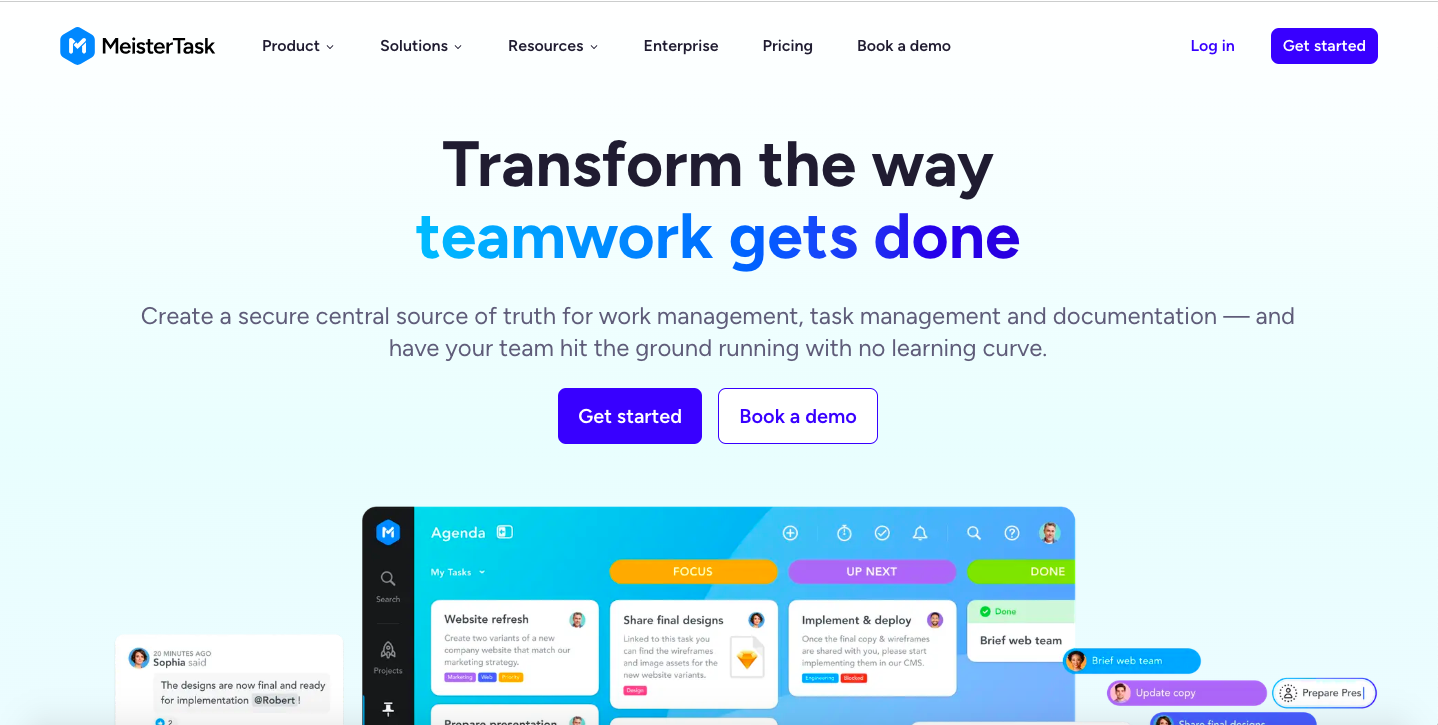
MeisterTask's marketing team found its previous website hard to maintain and struggled to update feature pages or launch new campaigns quickly. After evaluating several options, MeisterTask chose Storyblok for its flexibility. The new site was built on Next.js with a library of reusable components, so the marketing team can assemble and update pages themselves. Read the MeisterTask case study for how the project was run.
CEPRES, a private markets data provider, had a WordPress setup that was hard to update and had become a security concern. It moved to Storyblok, and hundreds of existing blog posts were migrated in the first stage of the project. See the CEPRES case study.