An AI-generated page can look finished in a preview and still break the website it joins. The release decision should depend on how affected templates behave with representative content in a rendered browser—not whether one screenshot looks right. Build a quality gate around that distinction, then keep it narrow enough that engineers and editors will actually use it.
A good preview is not a release decision
Suppose an agent changes a shared hero component for a campaign page. The preview has a short heading, an image, and a working call to action. On another page, a longer translated heading shifts the layout. On a third, an absent image exposes a spacing bug. If the change also alters a form or dialog, visual approval says little about keyboard focus or error handling. The risky unit of change is the shared template, not the page the agent happened to show you.
Chrome reported on November 11, 2026, that unguided coding agents passed about 50% of checks in its Modern Web Guidance evaluation, versus about 90% with guidance. Those are pass rates on selected evaluation tasks, not evidence that half of AI-generated production websites are broken. They make a narrower, useful point: giving an agent better instructions improves its output, but output still needs verification. Chrome’s Modern Web Guidance 1.0 release makes the same distinction between guidance for writing code and browser-based checks of what that code does.
There is evidence for making guidance specific to your system rather than generic. In a separate evaluation on clones of its production Next.js codebase, note inc. ran 180 trials across six UI scenarios and checked 19 criteria in Chromium and WebKit. One tested agent improved from 60.8% adherence without guidance to 94.0% with explicit guidance. Those figures describe that team’s scenarios, not marketing-site quality in general. The practical lesson is to tell the agent which existing components and conventions take precedence, then test the rendered result. Replacing a proven component merely because generic guidance suggests another element may introduce a different regression.
Choose templates and content states before choosing tools
Start with a route matrix: homepage, campaign landing page, article, form page, and any localized or personalized variant you actually operate. For each, name the shared components it exercises and the CMS fields that can change its behavior. This is more informative than scanning only the homepage and cheaper than running every check against every URL.
Add deliberately awkward content fixtures. Use a long heading and translated copy; omit an optional image; include rich text with links; and exercise a form’s invalid and successful states. If embeds are allowed, include the supported embed type. A default preview usually contains the content that makes the design look best. A release fixture should contain the content most likely to reveal an assumption.
Maintain two mappings: changed component to affected templates, and changed CMS field to templates that render it. A shared navigation change may warrant broad browser coverage. A correction to plain text in one article may need only that article’s rendered preview, link checks, and an editorial review. Add a targeted case when a change introduces a new locale, embed, interaction, or content shape. A representative sample is a cost control, not a claim that every combination has been tested.
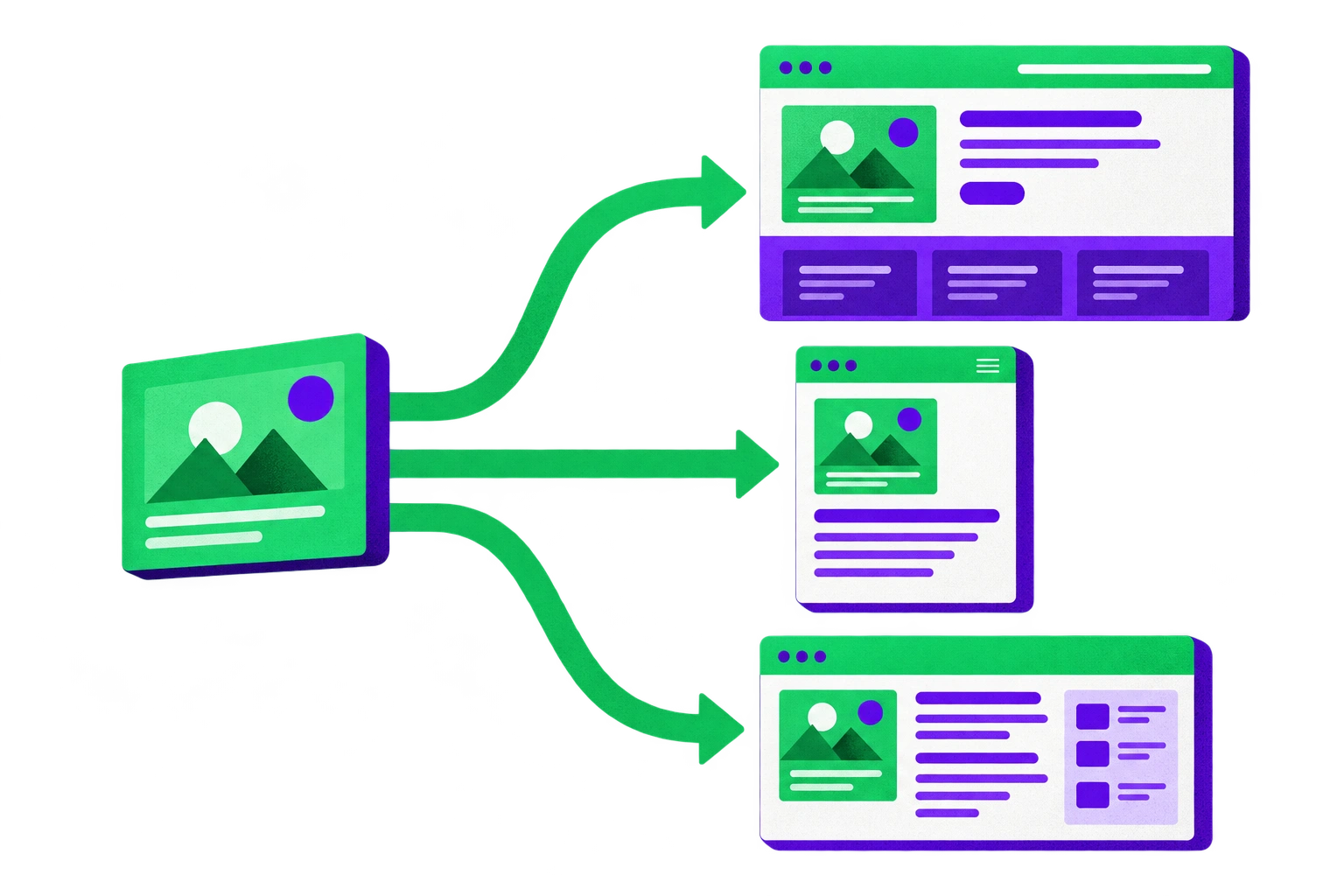
This is also where CMS architecture pays for itself. Approved components, constrained fields, and realistic editorial previews give reviewers something stable to assess; they do not remove developer ownership of rendering and release checks. Teams designing that boundary can treat headless CMS website development as a joint engineering-and-editorial workflow rather than a page-building exercise. For a concrete companion on content models, previews, and performance budgets, see our Storyblok and Astro marketing-site build.
Test accessibility where the interaction happens
Run browser checks against a production build of each affected template, not just isolated components. An automated scan should cover the initial page and meaningful interaction states—for example, a form after invalid submission or a menu after opening. Playwright documents @axe-core/playwright for scanning rendered pages and interaction states. A passing scan is useful evidence, but its automated checks do not cover every accessibility requirement.
Give a human reviewer the consequential journeys. Can they reach and operate navigation, calls to action, and forms by keyboard? When a form fails, do errors become discoverable and does focus move sensibly? If a dialog opens, is focus managed when it opens and closes? Does an interaction respect reduced-motion preferences? These are practical tests drawn from the kinds of mistakes Chrome identified in its agent evaluation, not a prediction that every generated page will fail them. Include assistive-technology assessment and inclusive user testing where the journey warrants it; Playwright’s own guidance recommends manual assessment alongside automation.
Do not make the human review an unbounded sign-off for every copy change. Reserve deeper interaction review for changed behavior, shared controls, and newly introduced journeys. Record which states were checked so that a later failure can be traced to a coverage gap rather than a vague claim that the site was “accessibility tested.”
Gate performance in the lab, then watch it in the field
Use Lighthouse CI on representative URLs from the production build. It supports specified URLs, repeated runs, and assertions. Agree on a regression budget before the change lands, and apply it to affected routes. Repeated runs help avoid making a release decision from a single noisy measurement; they do not reproduce every visitor’s device, network, or interaction.
The route matrix matters here too. An image-heavy campaign page and an article with rich content exercise different bottlenecks. If the shared change affects all pages, compare both. If only one content entry changed, test its rendered route and any additional template state the change introduces. A single homepage score is a poor proxy for a site with several templates.
After publication, monitor field Core Web Vitals. Google identifies LCP, INP, and CLS and recommends thresholds of 2.5 seconds, 200 milliseconds, and 0.1 respectively, assessed at the 75th percentile separately for mobile and desktop. Treat lab results as a pre-release regression signal and field results as evidence of what visitors experienced. Neither should be relabeled as the other. If field behavior worsens while the lab gate remains green, investigate the missing route, device condition, or interaction instead of simply lowering the gate.
Treat CMS publication as a security boundary
A CMS field is not safe because an editor can preview it. Treat content from services as untrusted when it reaches the browser. Render plain text in text-safe sinks; where editors genuinely need rich HTML, allow only the required markup and use maintained sanitization. Validate URL-bearing fields before using them in links or other browser contexts. OWASP’s cross-site scripting guidance recommends context-appropriate encoding and treats CSP as an additional defense, not a substitute for safe rendering.
Add an adversarial CMS fixture to the template tests: text that looks like markup, unexpected rich HTML, and a URL value the renderer should reject. Check the rendered DOM and resulting behavior, not just the content stored in the CMS. Restricting field types reduces exposure, but it does not prove that every rendering path handles them correctly.
Protect the event that moves content toward production as well. Storyblok webhooks can notify an application when a story is published and trigger a build or cache clear; its documentation describes a webhook-signature header and secret-based verification. Verify that signature before letting a request start deployment or cache operations. More broadly, separate permission to approve content from permission to change shared code. Storyblok’s default workflow has Drafting, Reviewing, and Ready to Publish stages, with publication limited to the last stage under that workflow. Use that editorial control as a distinct decision, not as a replacement for the code-merge gate; workflow customization depends on the plan.
Make the gate proportionate and reversible
A gate that takes the same path for every change will eventually be bypassed. Assign checks according to impact: shared component and rendering changes get the affected route matrix, browser interaction checks, accessibility scans, security fixtures, and performance comparisons. Content-only edits get checks for their affected pages and risks; rich HTML, new URLs, embeds, and translated layouts deserve more scrutiny than a plain-text correction. If review time grows without catching meaningful failures, inspect the bottleneck rather than adding another blanket approval. Our AI coding review audit explores that delivery trade-off.
Record the tested templates and locales, the person accepting any exception, and the route to reversal. A code rollback may not undo newly published CMS content; reverting CMS content may not fix a broken shared component. Name an owner for each action and check that caches or builds will reflect the reversal. Publication should be two explicit approvals—engineering for shared code, editorial for content—with a way back from either decision.
A release checklist for the next AI-assisted page change
Identify the changed components and CMS fields. Map them to affected templates, routes, and locales.
Test a production build with representative routes and awkward content fixtures, not only the polished preview.
Scan rendered pages and interaction states; manually review keyboard, focus, form errors, and reduced-motion behavior where interactions changed.
Run repeated Lighthouse CI checks against an agreed regression budget, then monitor mobile and desktop field LCP, INP, and CLS after release.
Check text, rich HTML, and URL rendering with an adversarial fixture; verify webhook signatures before they trigger build or cache work.
Record engineering and editorial approvals separately. Name the owner of exceptions and the steps to revert both code and content.