A page that renders from a headless CMS proves the frontend can read content. It does not prove an editor can assemble the page, find the right draft, revise it, and publish the intended version. Test that complete loop on a representative page before building the rest of the template library. The point is not to run a polished demo; it is to find the decisions that make routine publishing depend on a developer.
A rendered page is not a tested publishing workflow
A development team can show a convincing page while hiding the work it took to produce it. Perhaps the developer entered content directly, supplied a route by hand, or knew which of several similar fields controlled the hero image. The editor who owns the page may not know any of that. A technically correct content model can still make common changes slow or ambiguous.
That gap matters because CMS decisions spread. Once several templates reuse the same nested field structure or block rules, changing them means updating existing content, frontend components, validation, and editorial instructions. A small end-to-end test gives the team a chance to change those choices while they are still local to one page type.
In a Sanity account of an editor–developer feedback loop, the authors describe replacing reference arrays with checkboxes and adding scheduling and expiration fields after watching an editor create real content. That is a useful illustration of the kind of friction observation can uncover. It is not comparative evidence that editor sessions shorten launches or produce a particular return on investment. The case for testing is simpler: if editors must operate the system, rendering alone is the wrong acceptance test.
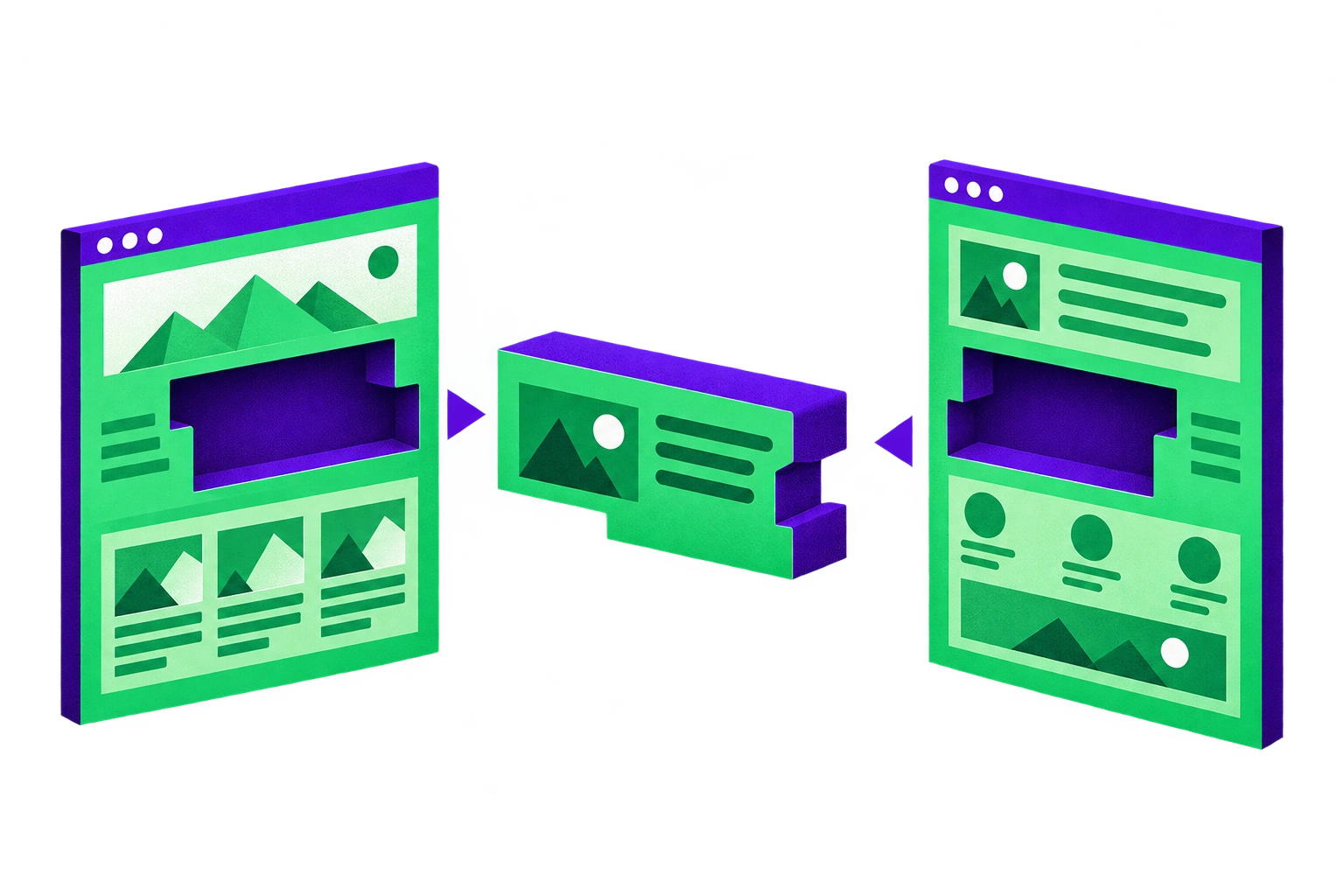
This does not mean giving editors unrestricted layout control. Approved components can protect brand and accessibility decisions while still letting editors do their jobs. The question to test is where flexibility belongs: which sections should be reorderable, which choices should be constrained, and which changes should require a new component rather than another CMS setting.
Choose editorial jobs before finalizing fields
Start by asking editors what they actually published recently, including work they had to complete outside the old CMS. A list of desired features is less useful than a concrete job: what changed, who approved it, which assets were involved, and how the editor checked the result. Sanity recommends starting with actual publishing tasks, a minimal Studio, and real example content rather than trying to design the entire system in advance.
Pick two or three representative jobs before committing to every template. A campaign landing page tests page assembly and block rules. An update to an existing service page tests finding and revising content without disturbing what is already public. A scheduled or localized announcement tests whether the editor can tell which version and state they are working with. Choose jobs the team genuinely expects to perform; do not add complexity merely to make the exercise comprehensive.
For each job, write an observable outcome. For example: the editor can replace the service-page copy and image, preview the change at the correct route, confirm that the current public page is unchanged, and publish the intended revision without a routine developer ticket. Use real copy, images, roles, and URLs. Placeholder content rarely exposes whether a field label makes sense or whether the component handles the material editors actually have.
Include states, not just page types. Storyblok documents unpublished, published, changed, and scheduled story states. Those distinctions make good test prompts: can the editor identify a changed but unpublished page, and do they know what a scheduled item will show to visitors now? A visually accurate preview is of little value if the editor cannot tell what has been saved, what has been published, and what is still waiting.
Set a narrow boundary for the first test. It should cover the chosen task from creation through publication, but it need not certify every permission, language, or migration path. Record those as separate acceptance work. A short session reveals friction in the tasks and page types you put in front of someone; it cannot establish that all editorial workflows are safe.
Build one complete page slice, including preview
Implement the smallest slice that lets an editor finish one job: CMS fields and validation, approved frontend components, real content, the correct route, draft preview, and a publication path. Treat the preview environment as part of the slice, not a later integration task. A component library without a working draft path is not an editorial workflow.
That path differs by stack. Storyblok’s Visual Editor lets editors select blocks in a draft website preview and add, delete, or rearrange blocks in a blocks field. But the visual editor does not make an arbitrary frontend editable by itself. Storyblok’s integration documentation calls for draft-content fetching, block-editing attributes, the Storyblok Bridge, and a Preview URL for its iframe. If the preview shows the public version, check that pipeline before adding more fields to the schema.
The security work belongs in the same slice. Storyblok says to keep its draft preview access token out of client-side bundles and to perform its documented _storyblok_tk preview-request check on the server. The preview needs HTTPS and a Content Security Policy that allows Storyblok to frame it. A preview that works only after weakening those boundaries is not finished.
Sanity’s Presentation Tool also embeds the frontend in an iframe. Its configuration includes previewUrl, optional document-to-route resolvers, and allowed origins. Its troubleshooting guidance points to CORS, iframe restrictions, route mapping, and draft-mode configuration when previews break. Sanity’s draft-mode guidance adds another requirement: unpublished content needs authenticated draft reads without CDN caching. The editor’s complaint that “preview is wrong” may therefore be a routing, authentication, or cache problem rather than a content-model problem.
Payload’s embedded live preview is configured through admin.livePreview, including its URL and collections. Its server-side Next.js example refreshes the route after a draft save, autosave, or publish; it does not update from every form-state change in the way a client-side preview can. Tell editors what action updates the screen, then test that expectation. Payload drafts are an opt-in versions feature, and saving a draft is distinct from publishing it. Verify both the preview and the visitor-facing page at each step.
Choose preview rendering deliberately rather than changing the whole production architecture by reflex. In the Next.js App Router, async draftMode() can enable a preview cookie in a Route Handler and expose isEnabled to server-rendered content; the API became asynchronous in version 15. Astro prerenders routes by default, but with an adapter a route can opt into request-time rendering using export const prerender = false. If production pages remain static, a separate server-rendered preview deployment is one documented option in Sanity’s guidance. The requirement is timely, authenticated draft viewing—not server-rendering every public request.
Observe the task, then change the system
Ask an editor to complete the job unaided while a developer observes. Give them the publishing goal, not a tour of where every control lives. Watch where they hesitate: a field label they cannot interpret, a block they cannot locate, a preview route that opens the wrong page, or a save action they mistake for publication. Ask what they expected to happen before explaining what the software did.
Turn each observation into a specific change. If editors repeatedly search through reference arrays to select a simple option, reconsider the input control. If they can move a compliance section into an invalid position, constrain that part of the layout rather than relying on instructions. If a page preview cannot resolve a newly created document, repair route mapping. If the screen does not visibly distinguish a saved draft from a published page, fix the state feedback before adding another template.
Keep these categories separate. Schema changes address how content is entered. Component changes address what combinations render safely. Preview changes address which version appears at which route and when it refreshes. Documentation can explain an uncommon action, but it should not be the first fix for a confusing routine task.
Then have the editor repeat the same job. Do not call a workflow accepted because the developer can now demonstrate it. Sanity suggests recurring 30- or 60-minute editor sessions as a starting cadence, not a measured industry benchmark. Use whatever cadence lets the team observe a change and retest it before copying the pattern across the site. Track task completion and blockers locally; do not claim a productivity gain you have not measured.
A visual editor can be valuable here, but it is only one part of the loop. The relationship between visual editing, the content model, preview, and frontend is worth considering together. An editor may be able to rearrange blocks perfectly and still publish the wrong version if the draft and public states are unclear.
Acceptance checklist before scaling to other templates
Run this check with the editor and developer on the representative page, then record failures as work to do before extending its model:
Can the editor create and revise the page using real content, without a routine developer ticket or private instructions about field names?
Does preview open the correct route and show the saved draft on desktop and mobile? Is its refresh behavior clear to the editor?
Before publication, does the public route still show the intended published version, with unpublished changes inaccessible to visitors?
Can the editor identify whether the item is unpublished, changed, scheduled, or published where those states apply, and publish the intended version?
Are draft reads authenticated, tokens kept out of client bundles, and iframe, origin, and cache settings working in the actual preview environment?
Are rearrangeable sections limited to approved components, with fixed sections protected where layout freedom would create unacceptable results?
Have required roles, localization, scheduling, accessibility, and migration cases been assigned their own tests rather than silently assumed to pass?
If the slice fails, fix and retest it before multiplying templates. If it passes, reuse the tested pattern while checking new page types for genuinely different editorial jobs. This is also the useful boundary for outside help with headless CMS website development: ask for a content model, components, preview environment, and editor acceptance test that work together, not just pages that render.