
A site-wide bundle target can stay green while checkout gets heavier. In one developer’s reported case, a PR added about 7 KiB of code but increased one page by 153 KiB because a barrel import pulled heavier modules into its client graph. That is one application, not a benchmark. It is still the right failure mode to design for: budget the routes customers depend on, then use the budget breach to start an investigation—not to declare a performance regression by itself.
Budget the journey, not the application total
An application-wide number answers the wrong question for a substantial Next.js product. It can show that the overall build has changed without telling you whether a customer entering a product page, running a search or completing checkout must load more code. A per-route number is more actionable, but even that needs a precise definition: bytes loaded eagerly for a route are not the same as every asset a customer will use during a task.
Start with a short list of route patterns tied to important journeys. For each, write down whether you are protecting a direct first entry, a client navigation, or both. A checkout entered from search may encounter different caching and prefetching conditions from a fresh visit to checkout. One threshold cannot tell you which experience changed unless the review also names the navigation being tested.
Call the CI rule an eager client-asset budget. For example, bundle-gate compares the gzip size of JavaScript and CSS chunks loaded eagerly by each route. It lists async chunks without judging them, and does not judge routes without client JavaScript. It also cannot account for server work, third-party scripts or every cost encountered later in a journey. Calling its output a comprehensive route-performance score would give a green check more authority than it has.
Set two kinds of guardrail from a measured baseline: a permitted change and an absolute ceiling. A growth allowance detects a surprising PR; a ceiling stops an already-heavy route from growing indefinitely through a series of individually small changes. Do not copy numbers from a tool’s sample configuration. The bundle-gate README illustrates /checkout with a +60 KB limit and /blog/[slug] with +20% growth plus a <= 300 KB ceiling. Those are examples of rule syntax, not recommended targets for your checkout or blog.
Write down how rules apply before making them blocking. In that tool, rules run in order and unmatched routes default to +2%. A newly added route is checked only against absolute ceilings; a removed route does not fail. If a new critical route matches only a growth rule, it has no meaningful growth baseline to compare. Give new critical routes an explicit cap and review route coverage whenever patterns change. Shared chunks should be attributed through the route’s measured eager assets, not waved away because no single page file grew.
Make the CI comparison reproducible—and visible
Do not build a new gate by parsing the old First Load JS table: Next.js removed JavaScript bundle-size metrics from next build in 16.0. On Next.js 16.4 or later with Turbopack, start with the official analyzer workflow: npx next analyze --output --snapshot <name> to save a snapshot, then npx next analyze export --snapshot <name> to stream it as JSON Lines for a comparator. The analyzer can filter by route and show import chains, but analysis does not produce an application build. Its route summaries and snapshot diffs help explain changes; the documented CLI does not itself define or enforce route budgets.
A small internal comparator may be enough if you have few routes and want full control over rules and CI output. Alternatively, trial bundle-gate if its eager-asset definition and skip behavior suit your product. Its README requires Next.js 16.4+ and Node.js 22.18+. Pin the release or Action commit you test rather than allowing the measurement tool to drift unnoticed.
Compare the PR head with a merge-base checkout, using the same dependency lockfile, Next.js version, analyzer flags and CI environment for both snapshots. Record the base and head commits beside each route’s before-and-after size and governing rule. The bundle-gate GitHub Action uses separate worktrees for this comparison; its documented setup uses actions/checkout with fetch-depth: 0 and produces an analyzer-report artifact when a route breaches its rule.
Treat comparability as a condition of the check, not a footnote. bundle-gate skips a comparison between different Next.js versions, analyzer flags or analyzer formats with a warning and exit code 0. A green workflow can therefore mean not checked. Surface skipped routes and reasons prominently, and make a deliberate policy for whether a critical-route skip blocks merging or requires review. Framework upgrades are exactly when an invisible gap in coverage is least helpful.
Merge-base comparison reduces noise from a moving baseline, but it is not the final word. A regression might emerge only after a PR combines with newer commits on main. Add a post-merge check for critical routes against a production-compatible build or measurement path. If production uses Webpack, do not present Turbopack analyzer results as measurements of the shipped Webpack bundles; use the documented Webpack analyzer and a representative production build instead. The gate is only credible when its output describes the assets you actually deploy.
Investigate the import graph before cutting features
When a rule fires, open the route view and follow the import chain. Check shared layouts and barrel exports before blaming the changed page file. In the 153 KiB case, the reported fix was to change four imports to a narrower module path. The useful lesson is not that every barrel export is bad. It is that a harmless-looking import can alter which modules become reachable from a client boundary.
In the App Router, use client marks a client-module boundary; imports from that module enter the client bundle. If a mostly static page sits behind a broad boundary, look for a smaller interactive component that can own it instead. Move static-only work to the server where appropriate, then remeasure the route. This can avoid shipping unrelated code to the browser without changing the customer-facing feature. Streaming can improve delivery, but it does not make browser JavaScript and hydration work disappear; our discussion of streaming and selective hydration covers that distinction.
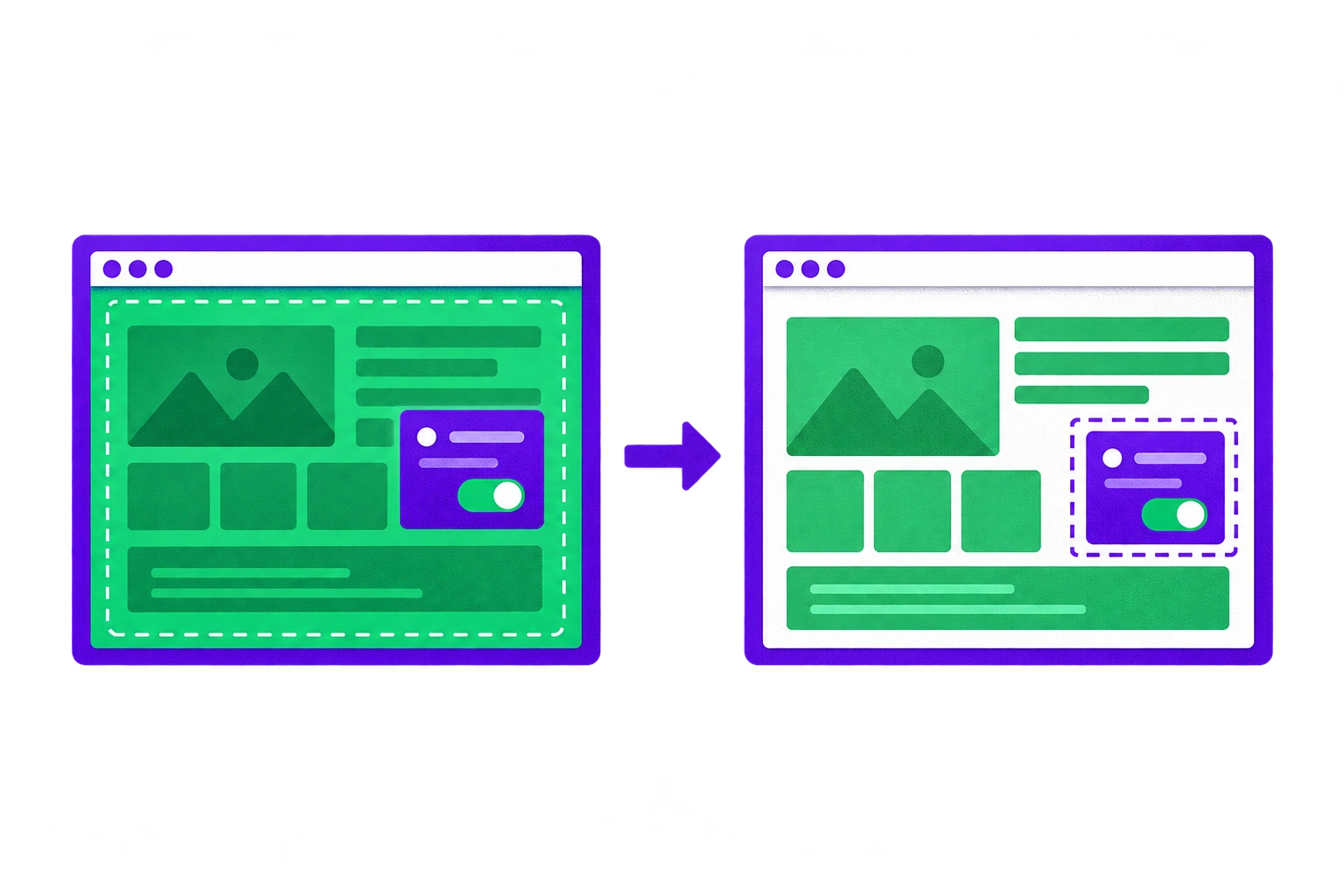
Use deferral for genuinely optional code, not as a way to make the CI number look tidy. Next.js documents next/dynamic and import() for deferring client code, but also notes that dynamically importing a Client Component from a Server Component does not currently support automatic code splitting. Measure the result of a boundary change rather than assuming it worked. More importantly, an async chunk excluded from an eager-byte gate may still delay a customer’s first interaction with a critical control. Trace that first use before accepting the split.
A breach should therefore lead to a short technical decision: keep the dependency and record why; replace or narrow its import; move an appropriate boundary; or defer a feature whose first use is genuinely later. Re-run the same route comparison after the change. If the browser work has merely moved from initial load to the moment a customer needs it, the budget has been satisfied but the task may be worse. Teams needing help untangling those boundaries in an established product can use React and Next.js development support for the diagnosis and implementation, rather than treating a threshold adjustment as the fix.
Check the user outcome before calling it a win
Gzip bytes are an early warning, not a verdict on LCP or INP. Cache state, prefetching, asset discovery, device CPU, hydration and interaction timing can change what a customer experiences. A separate experiment by the same author reported a 15–19% improvement in time to first canvas render while transferred bytes stayed around 16.7 MB. That does not establish a general rule about this gate; it shows why critical-path placement and request timing deserve inspection alongside totals.
Pair the comparison with route- and navigation-aware field data and a representative browser trace. Next.js useReportWebVitals can report LCP and INP to an analytics endpoint. Its metric object includes navigationURL, which matters for soft navigations: do not assume the URL when a metric is reported is the route that produced it. Segment comparable users and navigation conditions before interpreting a change.
For responsiveness, INP covers interactions across a page visit. Use field data to find problematic interactions, then reproduce the affected task in the lab. A byte increase alone does not demonstrate an INP regression; neither does a byte reduction prove that checkout feels faster. Compare LCP, INP and a task-specific completion or usability measure for the journey you budgeted. If LCP is the observed problem, investigate its trace directly rather than assuming client bytes are the cause; image-loading and LCP diagnosis is one complementary example.
A decision guide for the next PR
Before changing CI: List critical route patterns, their direct-entry and client-navigation scenarios, current eager JavaScript and CSS sizes, and an absolute ceiling for each. Decide explicitly what happens to new and renamed routes.
When adding the gate: Capture comparable base and head snapshots. Report commits, sizes, rules, route coverage and every skip reason. Do not let exit code 0 stand in for a completed comparison.
When a route breaches: Inspect its import chain, shared layouts and client boundary. Test a narrower import or a smaller boundary first; defer code only if first use remains acceptable. Repeat the measurement under the same conditions.
Before accepting an exception or claiming a win: Check field LCP and INP for the relevant navigation, inspect a trace of the customer task, and record the trade-off. Revisit the ceiling if the exception is intentional, and check critical routes again after merge.