
An order form is not working just because it looks ready. If its submit button depends on a client-side optimistic handler, a customer can reach the form before that handler is available. For important Next.js workflows, put the Server Action on the baseline submission path. Add optimistic feedback after hydration only when it improves the experience—and never treat that feedback as proof that the transaction succeeded.
A rendered form and a working form are different things
The HTML for a form may appear before its JavaScript has loaded and React has hydrated it. That gap matters for payments, orders and account changes: the user can see named fields and a submit button, but the interaction you designed for a hydrated component may not yet exist.
There are three distinct outcomes to consider. The browser can submit the rendered form before hydration. After hydration, React can show a pending or optimistic state immediately. Finally, the server can accept or reject the mutation. Only the last outcome tells you whether the requested change happened. A fast-looking confirmation screen that precedes a rejected order is worse than a slower, honest pending state.
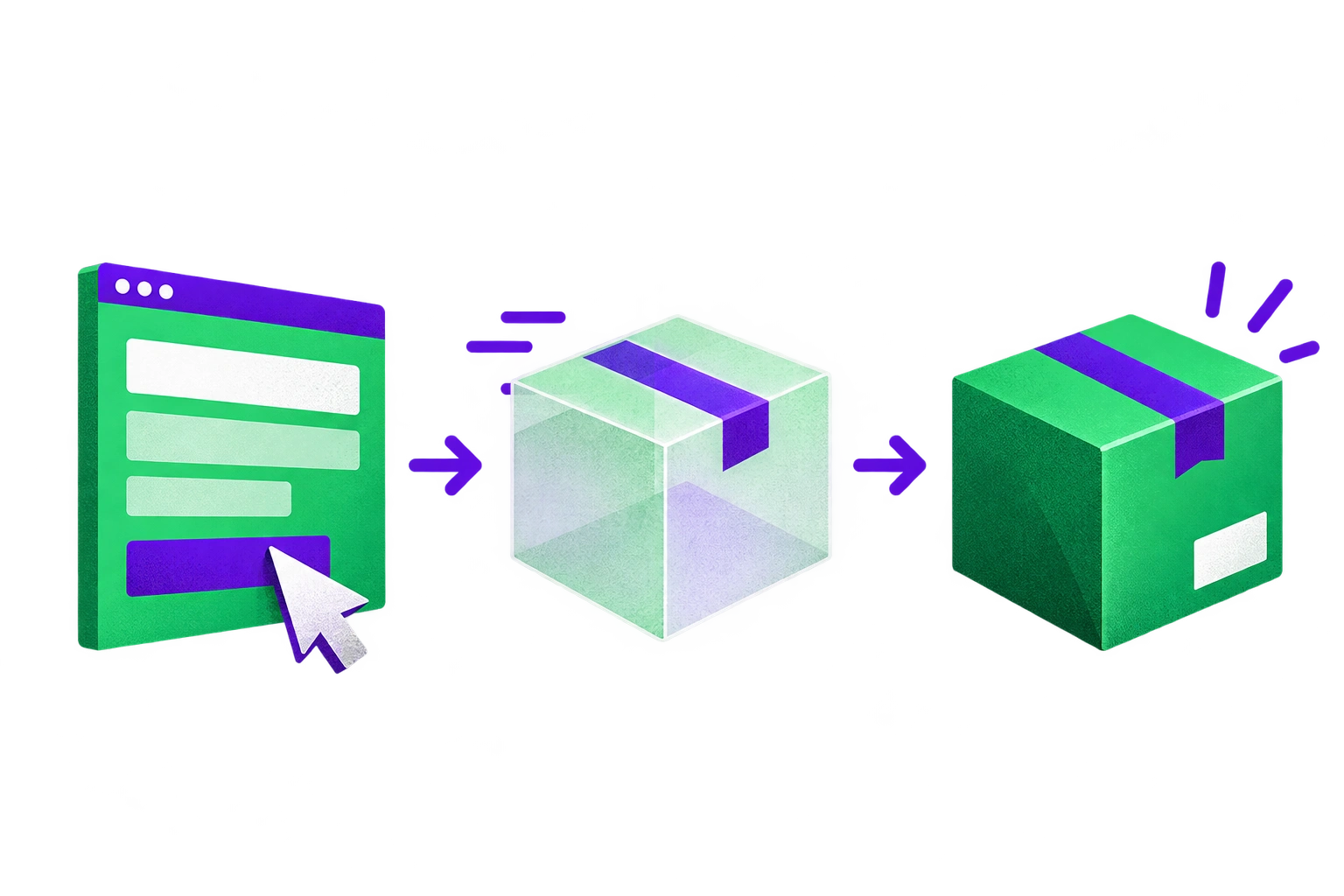
The distinction is built into the APIs. React documents that a form whose action is a Server Function can submit before JavaScript loads or with JavaScript disabled. A form action defined on the client, even if that function calls a Server Function, needs the component’s JavaScript. In Next.js App Router, forms rendered in Server Components submit without JavaScript. Client Component forms invoking Server Actions can instead queue a pre-hydration submission and prioritize hydration. Do not assume every early click produces an immediate full-page POST; inspect what your application does.
This is a narrower concern than general Server Action adoption. If your team needs the broader mutation model first, start with our guide to React Server Actions. For a transactional form, the immediate design question is simpler: what submission path exists before the enhancement code runs?
Keep the Server Action on the baseline path
Start with an HTML form with named controls and a Server Action as its action. Put authentication, authorization and input validation in that action, not only in the component. Next.js notes that Server Actions are reachable through direct POST requests; a disabled button, hidden field or optimistic screen is not a security boundary.
For a form rendered by a Server Component, the baseline can be direct:
  export default function OrderForm() {
  return (
    <form action={submitOrder}>
      <label htmlFor="reference">Order reference</label>
      <input id="reference" name="reference" required />
      <button type="submit">Submit order</button>
    </form>
  );
}
Here, submitOrder represents an imported Server Action. The example is deliberately small: the action still has to check who is submitting, whether that person may perform the operation, and whether the submitted reference is valid. Build and verify the server response before adding client-side status. With JavaScript disabled, a successful submission should reach an understandable result; a rejected input should return a useful response rather than an unexplained failure.
When the form needs to display returned validation errors or preserve submitted values, use a server-backed action with useActionState. Pass the Server Function directly to the hook, then pass the hook’s returned action to the form. The Server Function’s signature changes in this arrangement: it receives previousState first and formData second. Return a consistent, serializable state shape for outcomes the form is expected to render. React documents that this arrangement supports submission before hydration and can display returned state before JavaScript loads. Its form reference also shows server-rendered errors and preservation of submitted values in that path.
Treat field preservation as a design requirement, not a happy accident. React notes that a successful function-form action resets uncontrolled fields. If validation fails and the user must correct one field, arrange the returned state and defaultValue or controlled values so they do not have to re-enter everything. Check that behavior in the actual rendered response, particularly before hydration.
The simplest form is often the best one. If a pending label and server-returned result tell the user enough, keep the direct server-backed action. There is no obligation to add a client wrapper merely because the workflow uses React.
An optimistic wrapper changes the submission contract
Optimistic UI is useful when a slow mutation would otherwise leave a user uncertain whether their input registered. It is not free. If you replace the form action with a function defined in a Client Component, submission now depends on that component’s JavaScript—even if the wrapper eventually calls the same Server Action. That is the failure mode identified in the originating analysis: wrapping the Server Function before passing it to useActionState, or passing a client-defined optimistic function straight to <form action>, can lose the server-backed pre-hydration path.
One possible enhancement is to render the server-backed action initially, then switch the form action to an optimistic client wrapper after hydration. That preserves the baseline while allowing the hydrated component to update immediately. It is a pattern to evaluate, not a universal snippet to paste into every checkout. Check the rendered form and both submission paths against your project’s pinned React and Next.js versions. In particular, make sure the wrapper maintains the pending transition, handles rejection, and cannot cause duplicate effects when users retry.
React’s useOptimistic shows temporary state while an Action is pending. Once the Action finishes, the value supplied to the hook determines what is displayed. A thrown Action can revert the optimistic change, but reversal alone does not explain to a user whether an order was placed. For consequential workflows, prefer “Submitting” or a visibly provisional item over “Completed” until the server confirms success.
There are cases where this extra layer is worth the complexity: for example, a workflow in which immediate provisional feedback materially reduces uncertainty during a slow request. There are also cases where it is not: a short form whose server response is already clear, or a payment flow where a premature success view risks a second attempt. Optimize for an accurate contract with the user before optimizing for apparent speed.
Design rejection and confirmation as separate states
Plan at least three visible states: pending, rejected and confirmed. Pending means the request has not yet produced an authoritative result. Rejected means the user needs a recoverable explanation or the application needs to report an unexpected failure. Confirmed means the server accepted the change and the resulting UI reflects it. An optimistic view can accompany pending; it must not silently replace confirmed.
For expected validation failures, React recommends returning action state. Show a specific error alongside the relevant fields and retain values the user can safely reuse. Reserve thrown errors for unexpected failures handled by an Error Boundary. A network failure deserves an explicit message and a retry path that does not imply success. Neither a rollback animation nor a cleared form is an adequate error message for an order the server may or may not have received.
Confirmation also depends on what happens after the mutation. Decide whether the action should redirect to an authoritative result or invalidate the data used to render it. Next.js distinguishes immediate invalidation with updateTag or revalidatePath from stale-while-revalidate behavior with revalidateTag; the latter need not put the new data in the action response. If the interface says “Order placed” while the next view still shows an old order list, users have to guess which view is true. Choose the refresh strategy alongside the success state, not after the form is finished.
A retry needs equal care. A user may submit again after a timeout without knowing whether the first request reached the server. Make the mutation safe under that uncertainty where the workflow requires it, and test for duplicate effects. Client-side button disabling can reduce accidental repeat clicks, but it cannot establish whether the server performed a transaction.
Test the gap in a production build
A hydrated development-session click is the easiest journey to pass and the least informative one here. Test the built application, and inspect both the browser outcome and the persisted server result. Playwright supports javaScriptEnabled: false for a no-JavaScript browser context; its request routing can delay or fail requests for other scenarios. Do not treat the no-JavaScript test as a substitute for a submission made while JavaScript is still loading. Next.js’s Client Component queue means those can have different request and navigation behavior.
For teams that need help making a transactional form’s server path, hydration behavior and failure tests agree, this is the sort of work covered by our ReactJS and Next.js development service. The acceptance criteria should still belong to the product team: the server’s result, not the speed of an animation, defines success.
Release checklist for a transactional form
JavaScript disabled: Submit valid and invalid input. Verify that the server receives the request, that valid input produces the intended persisted result, and that errors and entered values remain usable.
JavaScript still loading: Submit before hydration completes. Record whether the browser navigates or queues the submission, then verify the eventual server effect and rendered state. This is a separate test from disabling JavaScript.
Hydrated, slow action: Delay the response. Confirm that the UI says pending rather than durably successful, keeps the right fields available, and resolves to the authoritative result.
Rejection or failure: Exercise validation failure and a failed request. Check the visible explanation, rollback behavior, preserved input and retry path; verify that no failed transaction is presented as complete.
Retry and refresh: Check that repeated submission does not create an unintended duplicate. Verify the chosen redirect or invalidation shows authoritative data after success. Do not claim offline support from a no-JavaScript test: a Server Action still needs connectivity.