:format(webp))
:format(webp))
A Practical Plan for Migrating from Vue.js to React
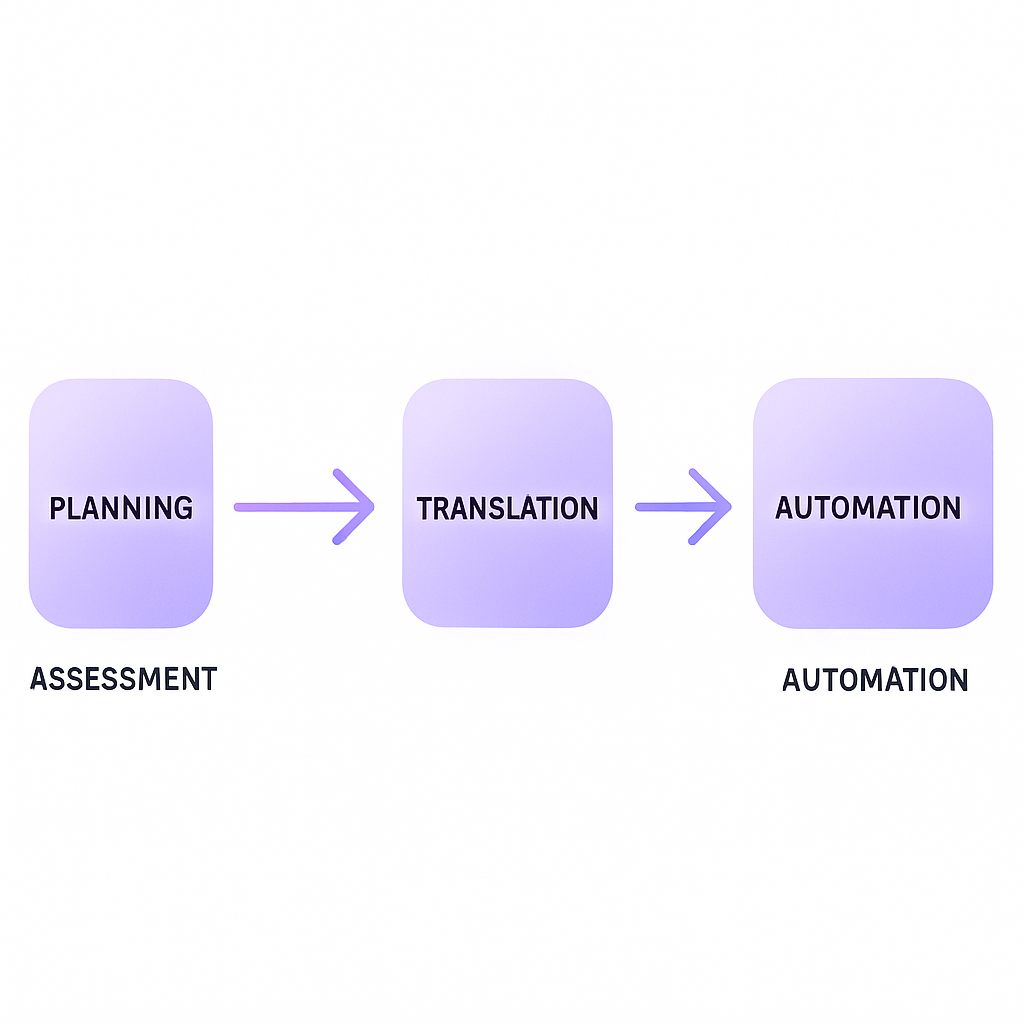
A framework migration is an investment decision before it is a coding exercise. This guide explains how to evaluate the case for moving from Vue to React, translate important patterns and protect the product while both implementations coexist.
When a Vue-to-React Migration Makes Sense
A supported Vue application does not need replacing because React is popular. Start with a specific constraint: a shared React product platform, a component ecosystem you need, or an organizational decision about long-term ownership.
Compare migration with staying on Vue and fixing the specific bottlenecks.
Validate hiring and training assumptions against the people who will maintain the product.
Identify capabilities required from a framework, hosting platform or library rather than assuming React supplies them all.
React does not make a product future-proof, and switching frameworks creates work as well as opportunities. If the assessment points to a gradual change, our software modernization services cover planning what to retain, improve and replace.
If the work extends beyond replacing Vue views to modernizing a wider legacy application, see our guide to React legacy-app modernization for additional planning on security, data migration, testing and CI/CD.
Assessing Your Current Application
Before rewriting code, get a clear snapshot of your Vue.js app.
Technical Debt and Performance Bottlenecks
Audit dependencies, custom directives, and large monolithic components. Tools like Lighthouse help pinpoint slow bundles and render-blocking scripts.
SEO and Web Vitals Impact
For public routes, inventory the rendering behavior, canonical URLs, metadata, redirects and status codes you rely on today. Reproduce that behavior deliberately in the chosen React framework; rendering and caching options depend on the framework version and deployment.
Defining Your Migration Strategy
Choosing the right approach can make or break your timeline.
Incremental vs. Full Rewrite
Incremental: Migrate a bounded route or component while Vue continues serving the rest. Consider Module Federation or single-spa only if the coexistence boundary needs their integration capabilities. Define ownership of routing, sessions and releases before choosing a tool.
Full Rewrite: Start fresh in a new repo—better for major architecture shifts but riskier for deadlines.
Roadmap and Stakeholder Communication
Set clear milestones (e.g., component library launch, router migration).
Share progress via demo sprints and dashboards.
Allocate time for team training and documentation.
Choosing the Right React Stack
Not all React frameworks are equal for SSR, SSG, or edge patterns.
Framework and Routing Choices
Choose a framework against the product’s routing, rendering, data and hosting needs. Next.js supports nested layouts and pages; React Router’s framework mode documents client rendering, server rendering and prerendering. Verify the specific version you will ship.
SSR, SSG, and Edge Rendering
Decide which pages need server-rendered or prerendered HTML and which can render in the browser. Check adapter and runtime compatibility before selecting a host. An edge deployment is useful only when it fits the application’s dependencies and latency needs.
Translating Vue Patterns to React
Bridging idioms is crucial for developer productivity.
Composition API → React Hooks
Vue’s reactive dependency tracking and React’s render model are different. Do not translate ref, computed or watchers one for one. Derive values during rendering when possible, and use Effects for synchronization with external systems. Compare Vue’s reactivity model with React’s Effect guidance.
  import { useEffect, useState } from 'react';

function useMousePosition() {
  const [pos, setPos] = useState({ x: 0, y: 0 });

  useEffect(() => {
    const update = e => setPos({ x: e.clientX, y: e.clientY });
    window.addEventListener('mousemove', update);
    return () => window.removeEventListener('mousemove', update);
  }, []);

  return pos;
}
State Management: Pinia → Zustand/Jotai
Instead of a 1:1 Vuex → Redux port, consider lightweight stores:
Zustand for minimal boilerplate
Jotai for fine-grained subscriptions
Store | Primary Use Case | Key Benefits |
|---|---|---|
Zustand | Simple global state | Minimal boilerplate |
Jotai | Fine-grained state slices | Granular subscriptions |
Routing, Forms, and Directives
Map route behavior to the router provided by the selected React stack; verify redirects, nested routes and navigation guards.
Translate v-model into explicit value and change handling, preserving validation, dirty state and submission behavior.
Translate template conditionals and lists into JSX while keeping stable keys and accessible markup.
Automating Migration Tasks
Cut down manual edits with AST tooling and microfrontends.
Codemods & jscodeshift
Use codemods for repetitive transformations that your team has defined and tested. jscodeshift is not a complete Vue single-file-component converter; templates, styles and reactivity require appropriate parsers and design decisions. Converting mounted to useEffect mechanically can change behavior.
Microfrontends with Module Federation
A route-level split or a bounded component integration can let the applications coexist. Module Federation and single-spa are options when their complexity is justified. Define ownership of the DOM, routing, sessions and shared data rather than assuming the integration will handle them.
Managing TypeScript & Tooling Alignment
TypeScript patterns vary between Vue and React.
Translate component props and emitted events into explicit TypeScript interfaces and callbacks.
Align the TypeScript, React and build-tool versions used by the new application.
Use the selected framework’s supported lint configuration and React Hooks rules; test lifecycle behavior rather than matching hook names.
Ensuring Performance & Accessibility Parity
Guard against regressions during the rewrite.
React Profiling & Hydration Checks
Use React Profiler and flamegraphs in DevTools.
Automate hydration mismatch detection with synthetic monitoring tools.
Accessibility with ESLint Plugins
Use linting and automated accessibility checks to catch some mistakes, then test keyboard navigation, focus restoration and screen-reader behavior manually. A lint plugin cannot establish accessibility parity on its own.
Post-Migration Testing & Deployment
A robust QA pipeline ensures stability.
Port unit tests from Vue Test Utils to React Testing Library.
Use Cypress or Playwright for end-to-end flows.
Set up CI/CD pipelines in GitHub Actions or GitLab with canary releases and rollback strategies.
A First Milestone Your Product Team Can Evaluate
Choose a representative customer journey rather than starting with only isolated UI components. For example, a settings workflow might include authentication, loading existing data, validation, saving changes and handling a failed request. Treat this as a planning example, not a fixed scope or delivery estimate.
Document current behavior and the expected improvement before implementation.
Run the same acceptance tests against the Vue and React versions.
Compare error rates, key interaction timings and accessibility on equivalent data and devices.
Demonstrate rollout and rollback, then revise the plan for the remaining journeys.
Questions to Ask a Vue-to-React Development Partner
What should remain in Vue, and what evidence would change that recommendation?
How will you separate shared state, routing and authentication during coexistence?
What assumptions drive the estimate, and which dependencies could delay it?
Who owns testing, release decisions, incident response and handover?
Our React development services include work with existing products and backend systems. Bring the critical journeys, integration list and release constraints to the first conversation so the discussion can start with a realistic scope.
Release Safely and Keep Ownership Clear
Agree a rollout cohort, success thresholds and a decision-maker before release. Keep API contracts compatible with both applications or rehearse a separate data recovery plan. Route switches and feature flags cannot reverse an incompatible data migration.
After the first release, measure support incidents as well as performance. Retire old routes, dependencies and duplicated logic only when the replacement is stable and the maintaining team can operate it. Discuss a phased migration if you need help assessing the boundary and first milestone.
Charting Your Path Forward
A useful migration leaves the product easier to own and improve. Keep the Vue implementation until the agreed acceptance criteria are met, then remove obsolete code and document the new boundaries.
:format(webp))
:format(webp))
:format(webp))