:format(webp))
:format(webp))
Mastering React Component Composition
In React, component composition means building a UI from smaller components by nesting them or passing content and behavior through props, rather than relying on component inheritance. For example, a Modal can render different dialog content passed as its children while keeping the same reusable shell. This guide starts with “Thinking in React,” then covers children, render props, HOCs, and compound components before moving into performance, server components, dynamic slots, configuration trade-offs, and custom hooks.
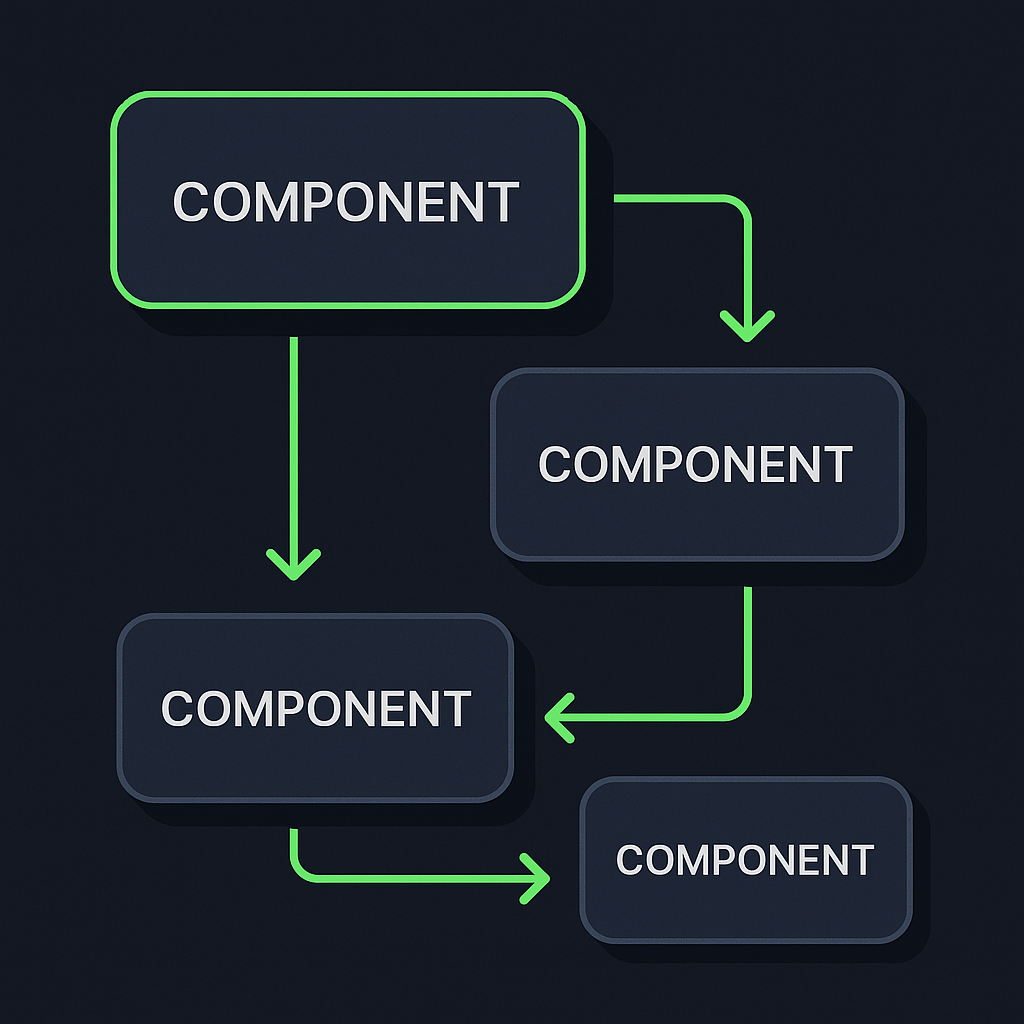
Thinking in React
React’s official guide breaks UI design into five steps. Following them helps you build predictable, maintainable layouts.
Break UI into a component hierarchy
Sketch your app and identify self-contained pieces.
Build a static version in React
Render hard-coded data to confirm your component tree.
Identify the minimal (but complete) representation of UI state
Find every changing value your UI needs.
Identify where your state should live
Lift state up to the closest common ancestor that needs it.
Add inverse data flow
Pass event handlers downward so children can update shared state.
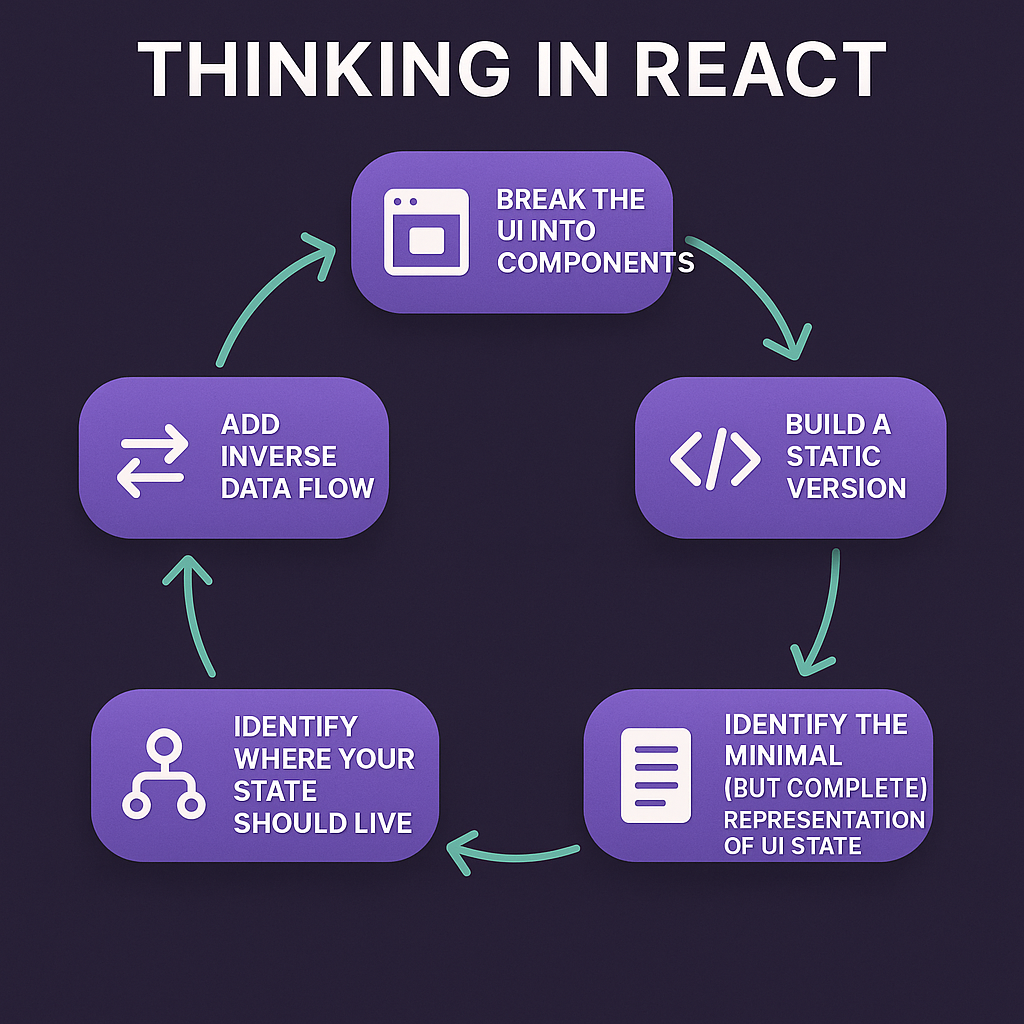
React’s official guide on Thinking in React provides a detailed walkthrough.
Core Composition Patterns
Component composition replaces inheritance with simple functions and props, making your UI more modular.
1. Children Prop
Pass nested JSX directly into a component.
  <Modal>
  <h2>Title</h2>
  <p>Content goes here.</p>
</Modal>
2. Render Props
Provide a function as a prop to share state or behavior.
<DataFetcher render={data => <List items={data} />} />
3. Higher-Order Components (HOCs)
Wrap a component to inject additional props or logic.
  const withAuth = Wrapped => props => (
  isAuthenticated ? <Wrapped {...props} /> : <Redirect to="/login" />
);
Benefits
Reusability
Readability
Testability
Anti-patterns to avoid
Deep nesting of HOCs
Tight coupling between wrapper and wrapped components
Learn more in Robin Wieruch’s guide on React component composition.
Pattern | Description | Code Example | Pros | Cons |
|---|---|---|---|---|
Children Prop | Pass JSX as children to a component | `<Modal><p>Content</p></Modal>` | Simple, flexible | Limited to layout composition |
Render Props | Use a function prop to share state or behavior | `<DataFetcher render={data => <List items={data} />} />` | Dynamic, decouples state | Verbose, can cause prop drilling |
Higher-Order Components | Wrap components to add props/logic | `withAuth(WrappedComponent)` | Code reuse, logic separation | Can lead to deep nesting |
Compound Components
Compound components let you share implicit state without polluting global context.
Definition: A parent component manages state and syncs data across its children.
Implementation: Use `React.Children` and `React.cloneElement` to pass props.
Example:
  import React, { useState } from "react";

function Tab({ label, isActive, onSelect, children }) {
  return (
    <div>
      <button type="button" onClick={onSelect} aria-expanded={isActive}>
        {label}
      </button>
      {isActive && <div>{children}</div>}
    </div>
  );
}

function Tabs({ children }) {
  const [active, setActive] = useState(0);

  return (
    <div>
      {React.Children.map(children, (child, i) =>
        React.cloneElement(child, {
          isActive: i === active,
          onSelect: () => setActive(i)
        })
      )}
    </div>
  );
}

// Usage: direct Tab children receive the props supplied by Tabs.
// <Tabs>
//   <Tab label="Overview">Overview content</Tab>
//   <Tab label="Details">Details content</Tab>
// </Tabs>
Use cases: Tab lists, Accordions, Toggle groups
Limitations: Not ideal if children aren’t direct descendants
Detailed walkthrough at Patterns.dev on compound components.
Advanced Composition Techniques
As your app scales, you’ll face new challenges. These advanced topics will give you extra tools.
Performance Implications of Deep Component Trees
Every extra layer adds work during reconciliation. To mitigate:
Wrap pure components with `React.memo` (React.memo API)
Use the Profiler API to spot slow renders (profiling React apps with the React Profiler API)
Flatten hierarchies or co-locate related logic
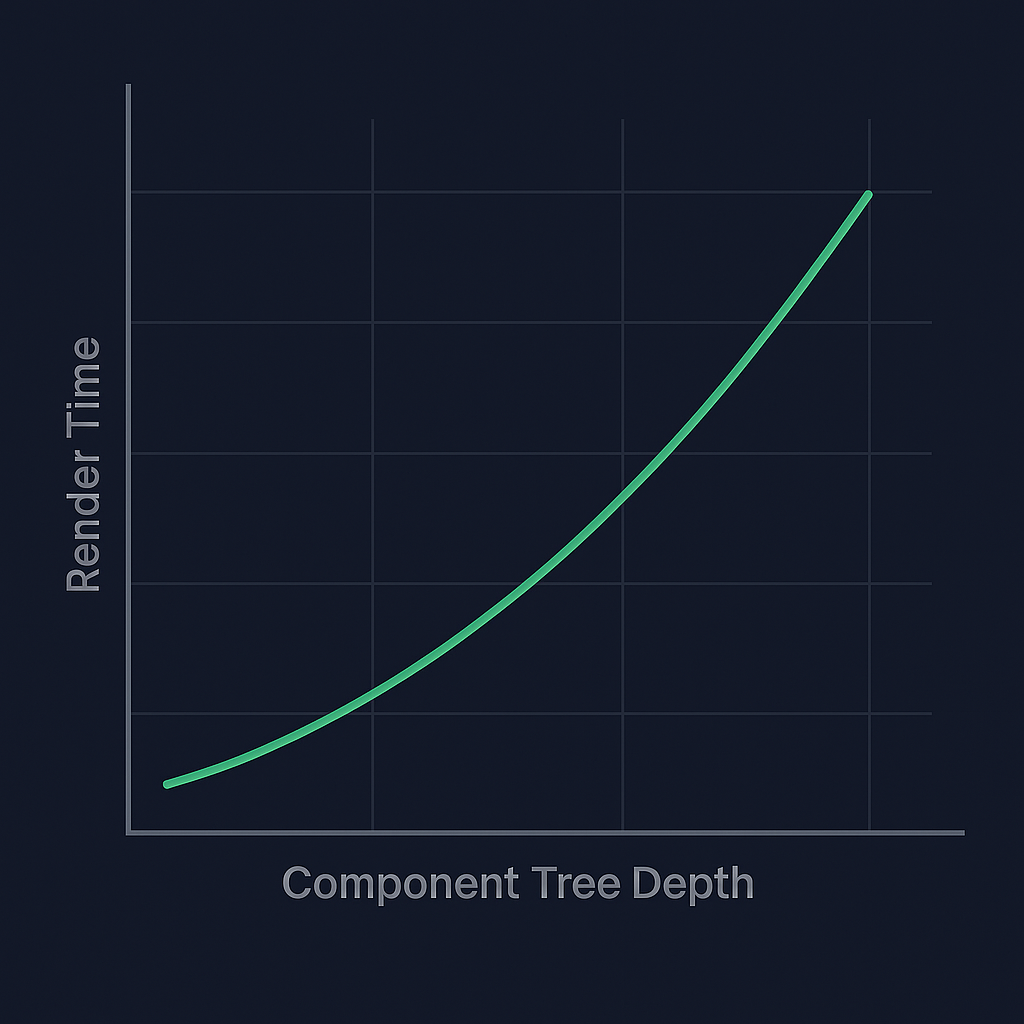
If you’re deciding whether to add manual memoization, read our guide to React Compiler automatic memoization for a discussion of when manual memoization may still be useful.
Server Components and Composition
React Server Components let you split rendering between server and client. You can mix them in one tree, but you must consider:
State can’t live in server components (no hooks that use browser APIs)
Data fetching happens on the server, reducing bundle size
For interactivity, a Server Component can pass server-rendered content as children to a Client Component; the Client Component should not directly import the Server Component
Read the Server Components RFC on GitHub.
Dynamic Slot-Based Composition Patterns
Inspired by Web Components’ `<slot>`, you can emulate dynamic slots in React:
Define named areas via props
Use context to register slot content
Render slots by matching names
This approach shines in design systems where consumers inject arbitrary pieces:
  <Card>
  <Card.Slot name="header"><h1>Title</h1></Card.Slot>
  <Card.Slot name="body"><p>Details…</p></Card.Slot>
  <Card.Slot name="footer"><button>Save</button></Card.Slot>
</Card>
Learn how to build this in a Dev.to post on component slots in React.
These React slots determine where consumers provide content; styling slots instead group class names for a component’s parts. If your next decision is how to style a multi-part field or card, see our CVA vs Tailwind Variants comparison for the styling trade-offs.
Composition vs. Configuration: Choosing Your Approach
Should you compose via React elements or configure with props/objects?
Approach | Pros | Cons |
|---|---|---|
Component Tree | Highly flexible, type-safe in TS | More boilerplate, nested |
Props/Objects | Simple data structures, less nesting | Less flexible, harder to type dynamic behavior |
“When you need arbitrary JSX, compose. For data-driven UIs, configuration often wins.”
Cross-Cutting Concerns with Custom Hooks + Composition
Custom hooks excel at extracting shared logic. In large apps you might need logging, analytics or feature flags without altering your JSX trees.
  function useAnalytics() {
  const track = event => console.log("Tracked:", event);
  useEffect(() => track("Page Viewed"), []);
  return { track };
}


// In your component
function Button(props) {
  const { track } = useAnalytics();
  return <button onClick={() => {
            track("Clicked");
            props.onClick();
         }}>
           {props.children}
         </button>;
}
You can find a tutorial on writing custom React hooks.
Putting It All Together
By combining “Thinking in React” with core patterns and these advanced strategies, you’ll build apps that are both maintainable and high-performing. Start with a clear component hierarchy, choose the right composition pattern, and layer in optimizations—whether through server components, dynamic slots, or custom hooks. Your React projects will handle complexity with confidence.
For help improving the structure of an existing application, explore our ReactJS & Next.js development and code audit services.
:format(webp))
:format(webp))
:format(webp))